
1-Visitor
Jan 29, 2016 6:26 AM UTC
Question

CREO 2.0 PARAMETRIC model mouse wheel rotate not working

Hi Guys,


I have installed CREO 2.0 in my machine and opened the model files.


When i opened the model i can able to zoom in/out the model using mouse scroll button but cant able to rotate the model. Is there any settings i need to apply for model rotate?


Your little help is much appreciated since i am struck up in the earlier stage.


OS : Windows 10/ WIndows 7

Mouse : 3 Pointer mouse(left, right, middle scroll button)- DELL
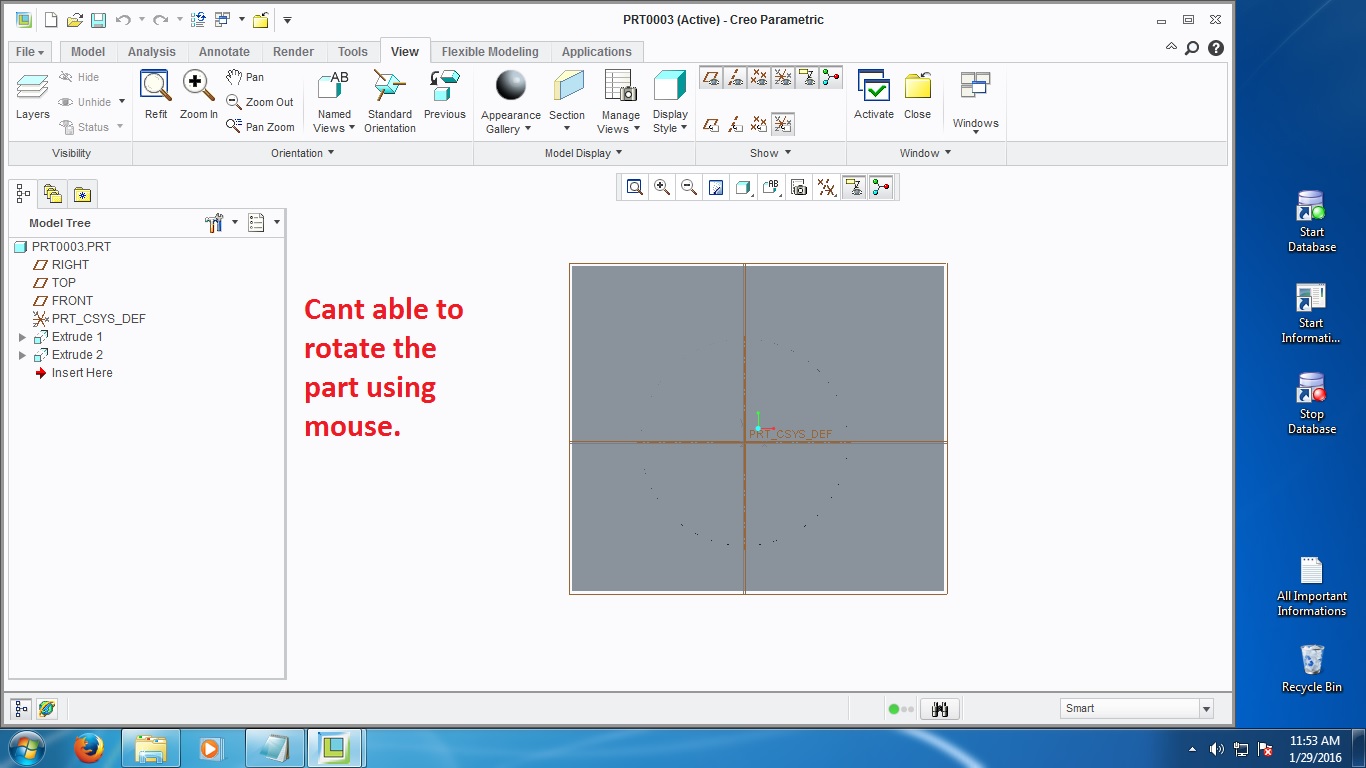
 

screenshot.jpg


This thread is inactive and closed by the PTC Community Management Team. If you would like to provide a reply and re-open this thread, please notify the moderator and reference the thread. You may also use "Start a topic" button to ask a new question. Please be sure to include what version of the PTC product you are using so another community member knowledgeable about your version may be able to assist.

5 replies

1-Visitor
Jan 29, 2016 11:14 AM UTC

You have somekind of additional mousesettings driver installed ?

For example : with a logitech-mouse you can install the Setpoint software.

There you can choose the function for the middle mouse button. Rotating in Creo will only work when the setting is "middle button".

You can't choose this in the normal windows driver (but then it normally works...).

Translate
12-Amethyst
Jan 29, 2016 11:47 AM UTC
21-Topaz II
Jan 29, 2016 9:22 PM UTC

Also, only Creo 2 M190 and later are certified for use with Windows 10.

Translate
1-Visitor
Jan 30, 2016 5:41 AM UTC

Thanks all for your kind reply. The culprit is DELL mouse. When i changed my mouse the rotate working well.

Translate
Dale_Rosema
23-Emerald IV
Feb 1, 2016 12:53 PM UTC

Don't forget to mark your answer as correct.

Translate