

Creo 2.0 Planar Axis Flipping Issue
Software: Creo 2.0, Date Code M220
A colleague is experiencing an issue in which an axis created by a hole in the original planar wall flips direction after making an edit to a part and regenerating. I am fairly certain the axis from the original planar wall is the culprit, as the issue goes away when I create a datum axis and reference it instead of the axis from the original planar wall.
Below is the procedure used to reference the axis. This has been a standard procedure for years, and only now has this issue popped up. Is there a bug in the date code we're using and (if so) is there a fix coming?
I've attached the part for reference.
In sheetmetal, the sketch for the first planar wall has a circle in it that creates a hole after extrusion.
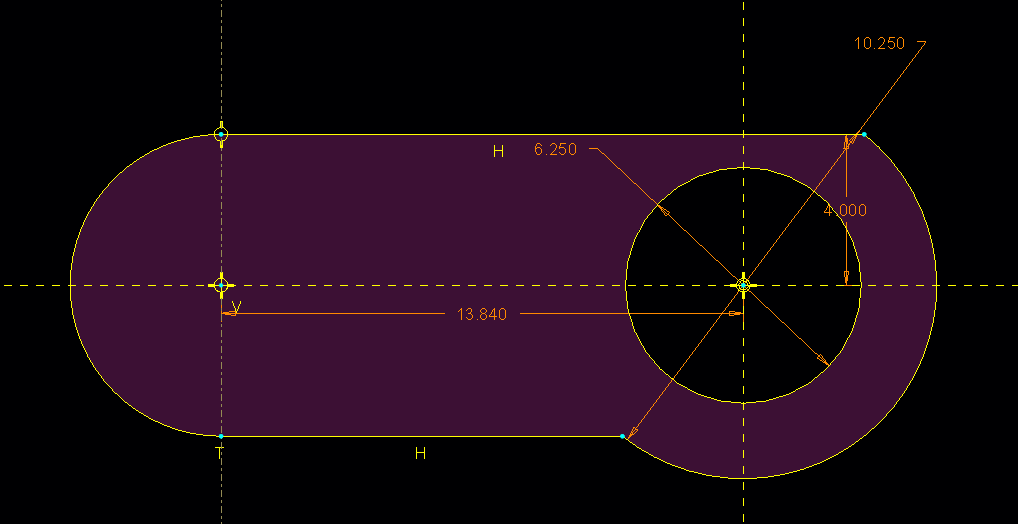
A hole (from Creo tool) was then created that references the axis made from the extruded hole of the original planar wall and the x-plane.
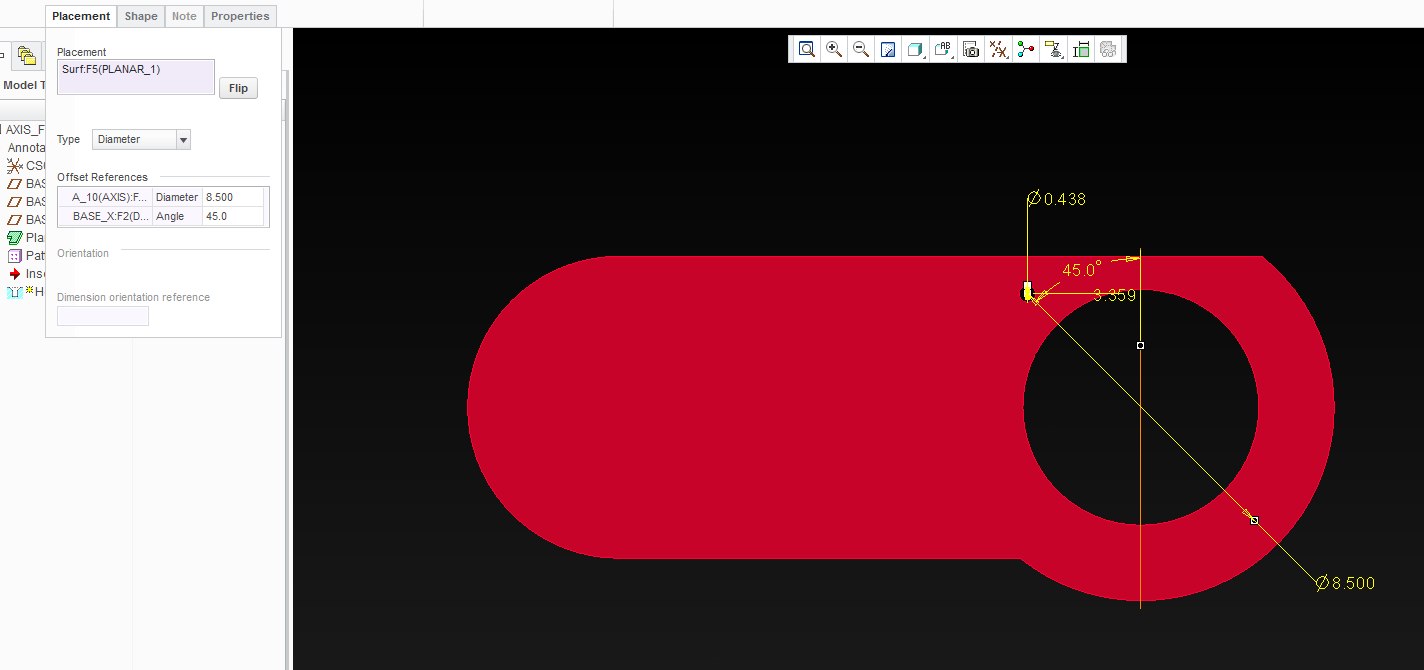
If an edit is made to the original planar wall (not "edit definition"), the hole and its reference appear to mirror across the plane perpendicular to the x-plane.
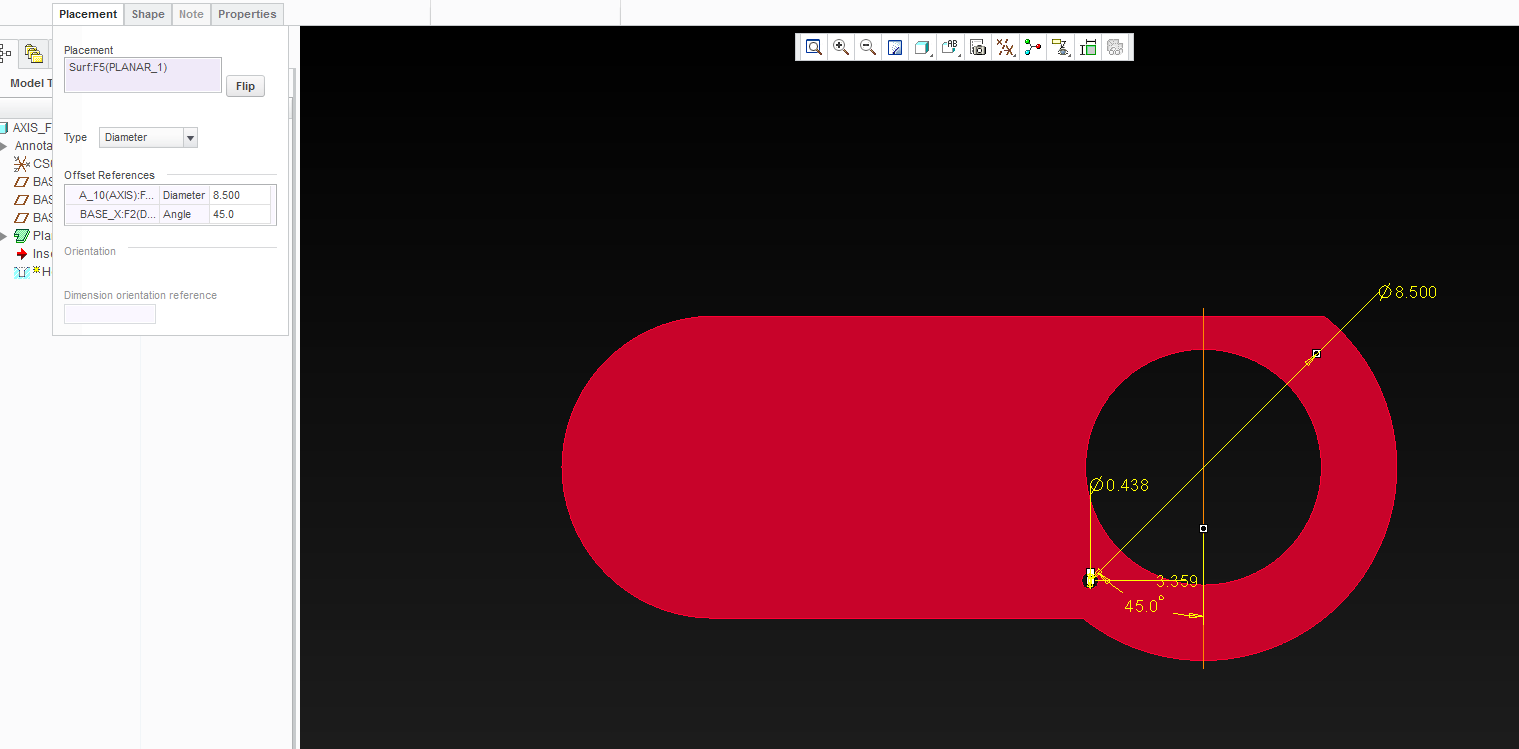
The hole remains in this incorrect position until the following procedure is executed on the original planar wall:
- "Edit Definition"
- References
- Edit
- OK
- OK
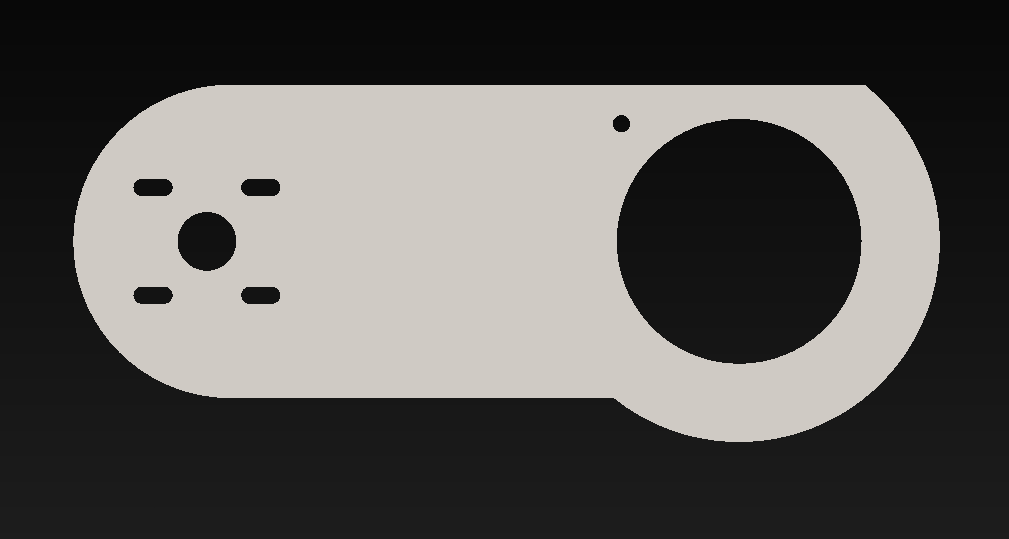
If I change the referenced axis to a datum axis or one that I create by extruding a geometric point, the issue goes away.
Background:
This same method has been used on several parts in the exact same way and has only become an issue now. We are using Creo 2, Date Code M220.