Solved
Creo 3: How to Set the order of Start up Configuration of PSF
- 4 replies
- 4387 views
- Translate All
Hi All,
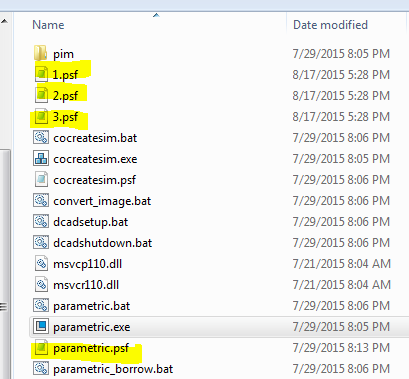
I have 4 different .PSF configurations files to start Creo 3. Each PSF file is going to different licenses and activating some floating modules.
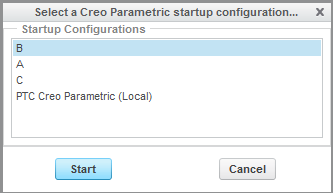
When setting up the PSF files is there a way to show a default on top of the list or arrange the order of the PSF files when starting Creo 3?
Thank you.
Anthony
This thread is inactive and closed by the PTC Community Management Team. If you would like to provide a reply and re-open this thread, please notify the moderator and reference the thread. You may also use "Start a topic" button to ask a new question. Please be sure to include what version of the PTC product you are using so another community member knowledgeable about your version may be able to assist.