

Fast Facts! Quick Tips for Using PTC Creo - Drawings Part 1
Today’s “Fast Facts!” post focuses on dimensioning and managing large drawings This content is intended to provide users with easy-to-use, actionable tips and tricks for how to use PTC Creo more effectively. These tips come from Steve Meyers and Evan Winter, two PTC Creo experts in our training group.
|
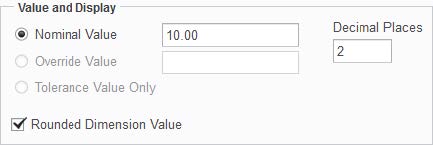
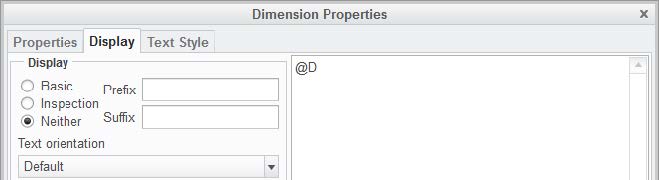
1. Dimensioning Customize your dimensions using the tips listed here:
|
|
2. Managing Large Drawings (Config.pro Options) Here are few configuration options that can help you to manage large drawings:
|
Stayed tuned as we cover more PTC Creo commands, features, and shortcuts designed to help you use the product faster!
For more in-depth product feature explanations, visit our Tech Tips area.
Have some ideas about what you’d like to learn more about? Send me a message or leave a comment below and we’ll write up the best ideas from the community. Thanks for reading, looking forward to all of your feedback!
This thread is inactive and closed by the PTC Community Management Team. If you would like to provide a reply and re-open this thread, please notify the moderator and reference the thread. You may also use "Start a topic" button to ask a new question. Please be sure to include what version of the PTC product you are using so another community member knowledgeable about your version may be able to assist.