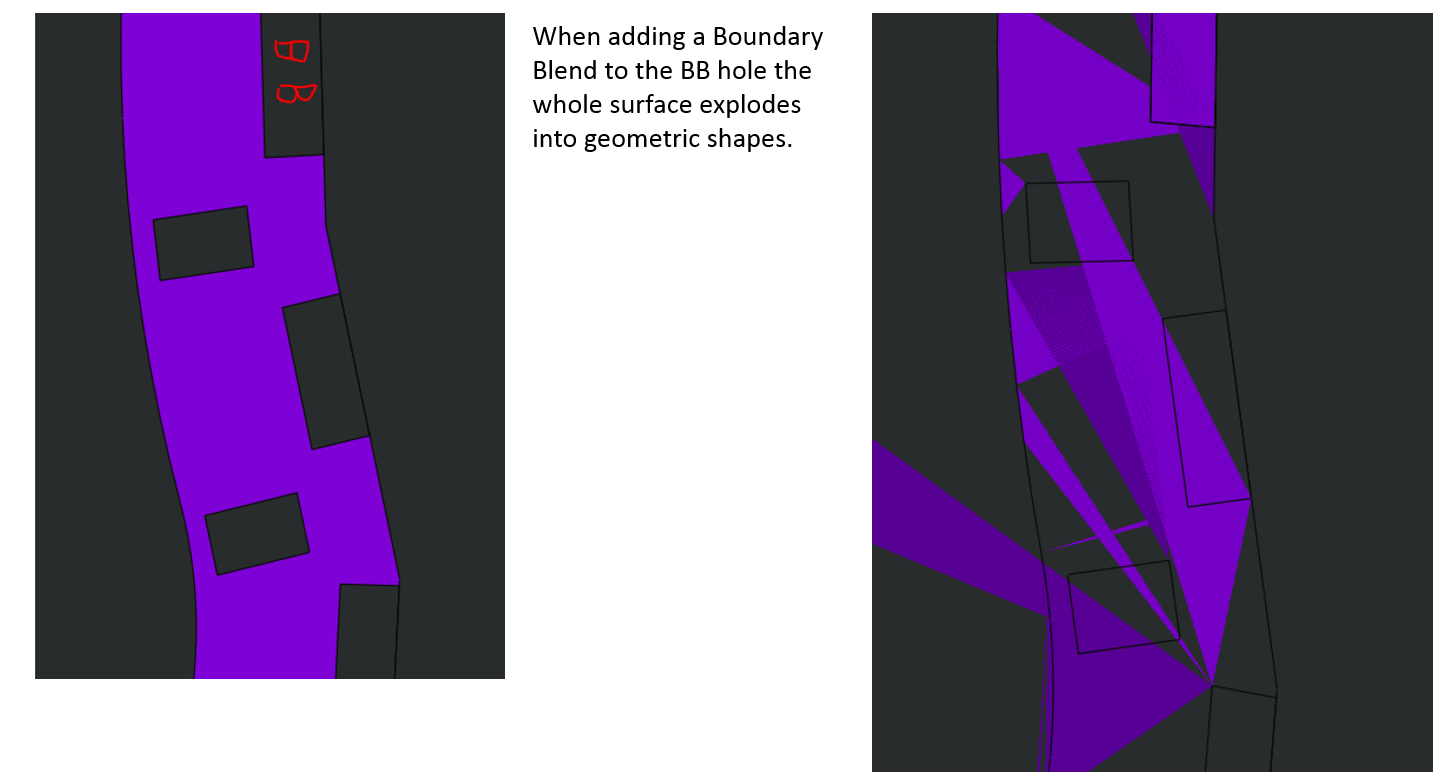
Fills and Boundary Blends explode, anything I can change to prevent this?
I'm not sure why Creo does this so often, but it's getting really old to constantly try to fix. When I have a surface whether it be a fill, or another boundary that has a hole or surface extrude cut through it Creo will explode the entire model when that hole is filled in.. Please see pics for examples as I am having trouble explaining this. I'm wondering if there is a graphics config that I can change to help eliminate this problem. The workarounds are ModelCheck Regen, then mess with layers which doesn't usually help but has worked in the past. After several ModelChecks I can close the model and clear the session. This only helps maybe half the time. After that my last bet is to restart Creo all together. Any suggestions would be appreciated.