
1-Visitor
November 2, 2015
Solved

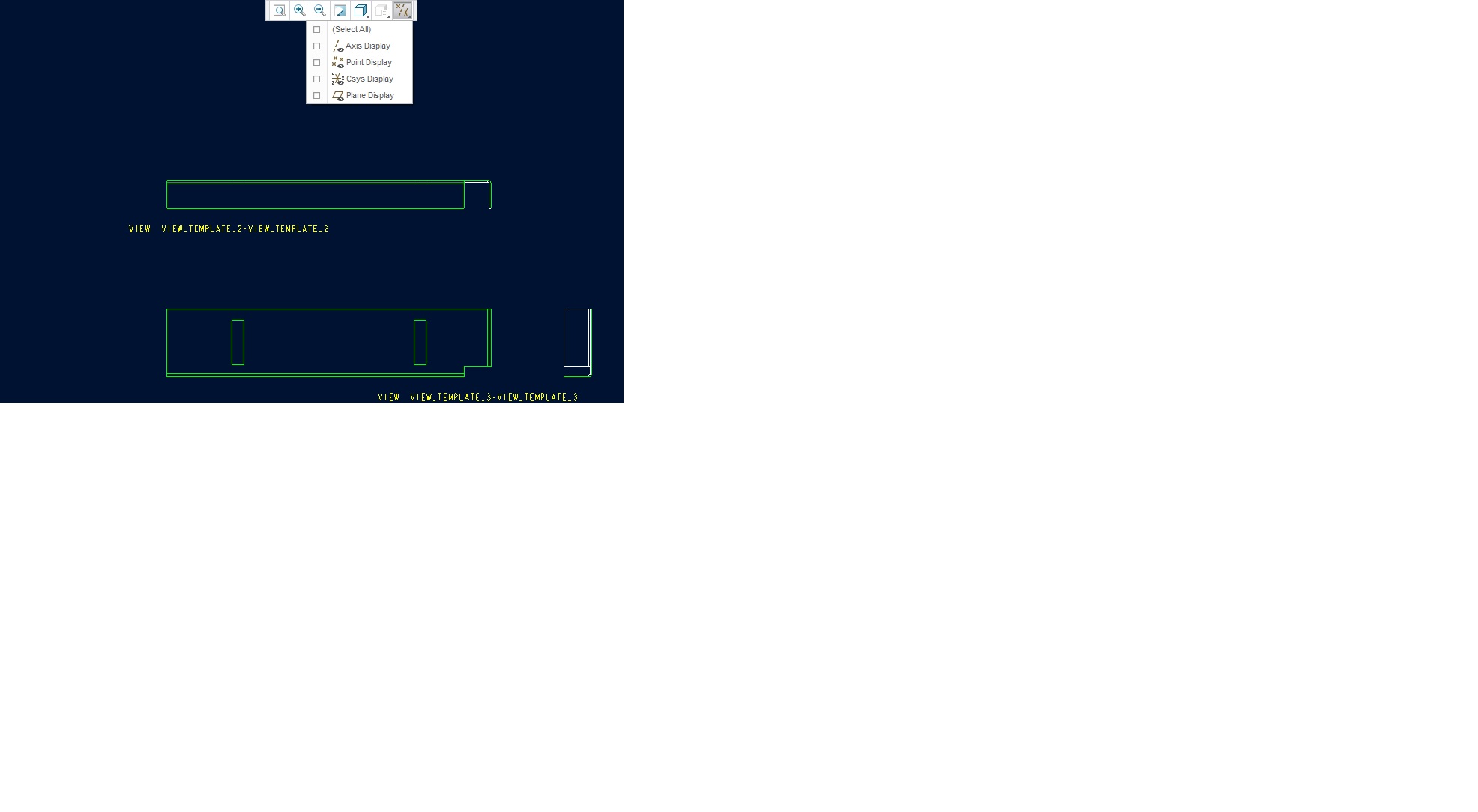
hidden: axis and points and csys as default
  • November 2, 2015
  • 1 reply
  • 1125 views

hidden_axis_point_display.jpg

parameter to hidden axis , csys and ,points in 3d and in 2d

i want to make this with config sys

it is posible?

tks


This thread is inactive and closed by the PTC Community Management Team. If you would like to provide a reply and re-open this thread, please notify the moderator and reference the thread. You may also use "Start a topic" button to ask a new question. Please be sure to include what version of the PTC product you are using so another community member knowledgeable about your version may be able to assist.

Best answer by StephenW

Go to FILE - OPTIONS - select the tab for ENTITY DISPLAY.

Uncheck the boxes for SHOW DATUM AXIS, SHOW DATUM COORD SYS, SHOW DATUM POINTS.

Push the OK button at the bottom and push YES to the dialog box that asks if you want to save your configuration settings and accept the default location to save the file.

1 reply

StephenW
StephenW23-Emerald IIIAnswer
23-Emerald III
November 2, 2015

Go to FILE - OPTIONS - select the tab for ENTITY DISPLAY.

Uncheck the boxes for SHOW DATUM AXIS, SHOW DATUM COORD SYS, SHOW DATUM POINTS.

Push the OK button at the bottom and push YES to the dialog box that asks if you want to save your configuration settings and accept the default location to save the file.