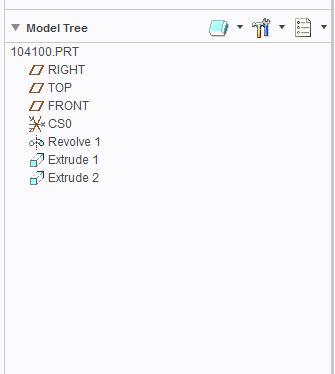
You cannot replace the model however a new model can add to drawing and views for new model can be created and later remove the first part from drawing.
Steps are as:
1. In drawing Select Drawing Models > Add model > browse to new Model
2. Create views of new model
3. Delete the views of first model and remove first part from drawing using Drawing Models > Del Model > Select the model to be removed.
But I think your target is to create a drawing of new part using drawing of 104100. This can be done without modifying the existing drawing by setting a config option rename_drawings_with_objects. Setting this config option as both will create a drawing when of new part when saving the part as new part. For example, I have a part A.prt and drawing as A.drw, now I would like to create a new part as B.prt by saving as from A.prt, if that option is set as both, on saving A.prt as B.prt, drawing for B will generate as b.drw. There are two conditions for this, part and drawing name should be identical and both should be available in same location.