

Question
How to disable modelCHECK?
Hello all,
I am facing problem in Creo 2.0 M150 built code. While saving big assemblies or every cad documents, Creo run model check every time.
I tried to make ModelCHECK enable set to "NO" but still it is checking model chek.
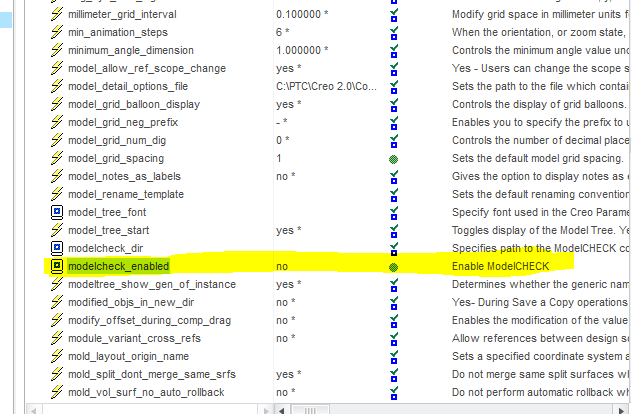
Can anybody help me on this so that I can work on very big assemblies.
Thanks,
Jitu
This thread is inactive and closed by the PTC Community Management Team. If you would like to provide a reply and re-open this thread, please notify the moderator and reference the thread. You may also use "Start a topic" button to ask a new question. Please be sure to include what version of the PTC product you are using so another community member knowledgeable about your version may be able to assist.