1-Visitor
September 28, 2016
Solved

Import point cloud .pts file

  • September 28, 2016
  • 1 reply
  • 7379 views

Dear all,

I have a 3D scan file and want to import it to CREO 3.0.

I do not have the reverse engineering license.

All I want is to import the xyz points from the file - as points.

I don't want to generate any surfaces or solids from the points. I only want the points.

Is this possible without the reverse engineering license?

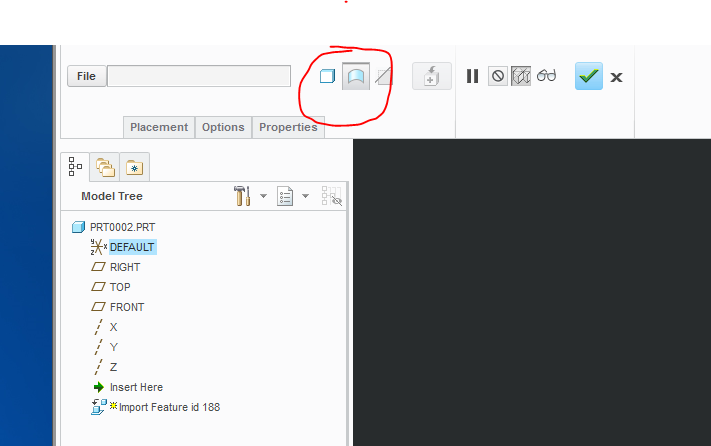
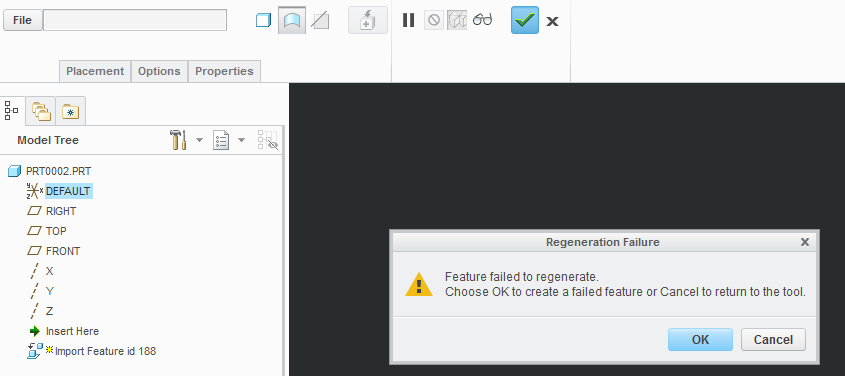
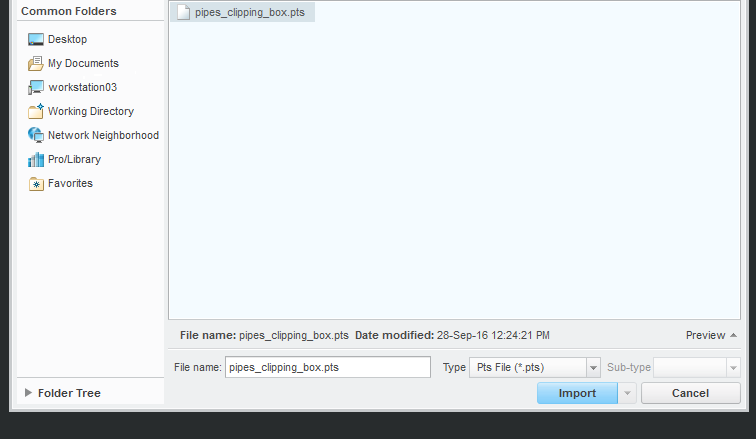
If not, why do I get as far as I get (shown in the images below)? Why does it allow be to select a .pts file if in fact I cannot import a .pts file?


I get as far as shown in the images below. It seems to always want to create a solid or surface body. But I want the raw points as datum points or as a single feature with all points inside it.

Any kind of help is appreciated.


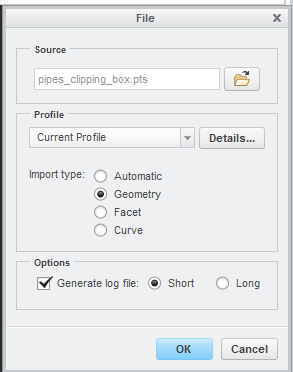
i've tried automatic, geometry, facet and curve...


Best answer by mgrass

actually I found the solution mysself:

My .pts file (exported from Faro Scene) had the number of points in the first line followed by a line for each point with the xyz coordinates.

after deleting the first line - it all worked well.

The points and only the points are shown - just as I wanted them to.

1 reply

mgrass1-VisitorAuthorAnswer
1-Visitor
September 28, 2016

actually I found the solution mysself:

My .pts file (exported from Faro Scene) had the number of points in the first line followed by a line for each point with the xyz coordinates.

after deleting the first line - it all worked well.

The points and only the points are shown - just as I wanted them to.

5-Regular Member
September 28, 2016

Glad to read you worked things out Max; would you please mark your own answer as correct?  This lets everyone in the community know 🙂

Best,

Toby