
1-Visitor
November 16, 2016
Solved

License request failed for feature

  • November 16, 2016
  • 1 reply
  • 42780 views

I have just finished installing CREO 3.0 64-bit to my mac parallels desktop(windows 8.1) using IE as my browser, and when I try to open any of the programs, an error message pops up stating "License request failed for feature". if I click "ok", it just shut down.
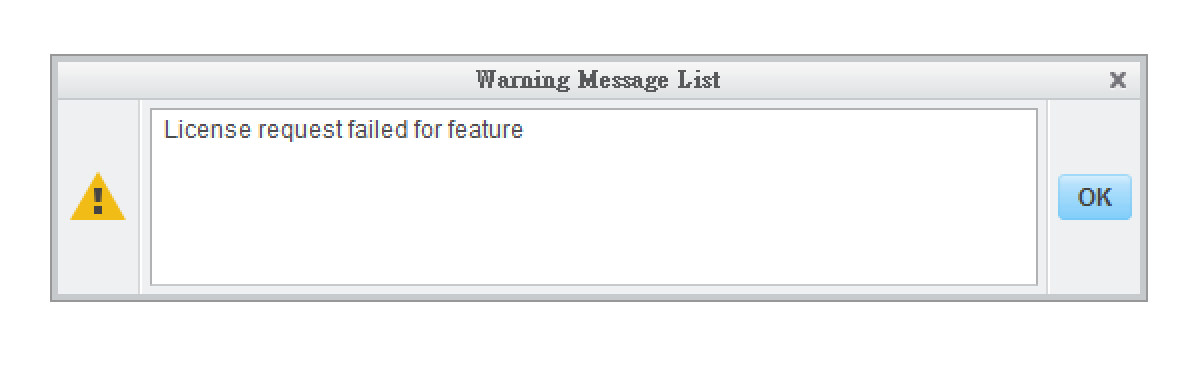
Screen Shot 2016-11-16 at 1.38.38 PM.png


I've already tried the license i got from email, but it still doesn't work.
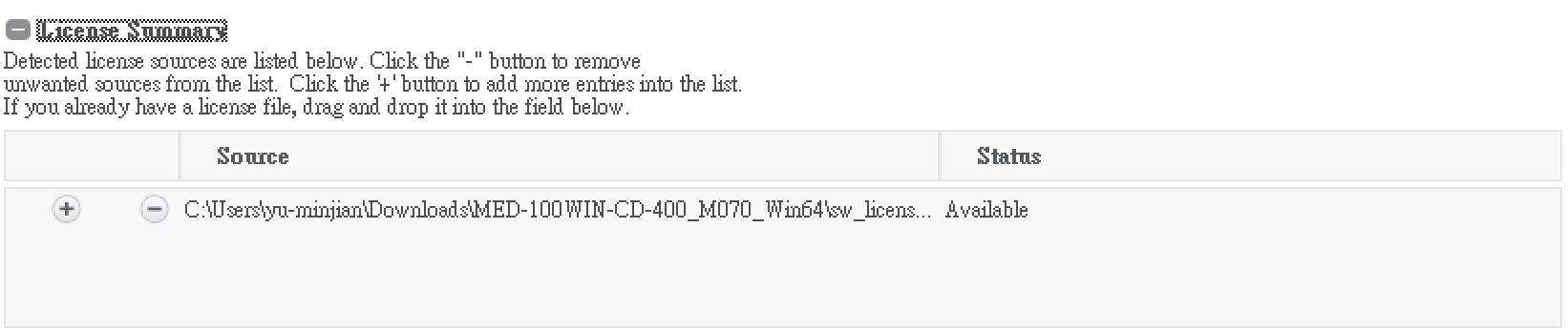
Screen Shot 2016-11-16 at 1.46.46 PM.png


If I try to login, I just can't make it. But i am very sure that i've typed in the correct user name and password.
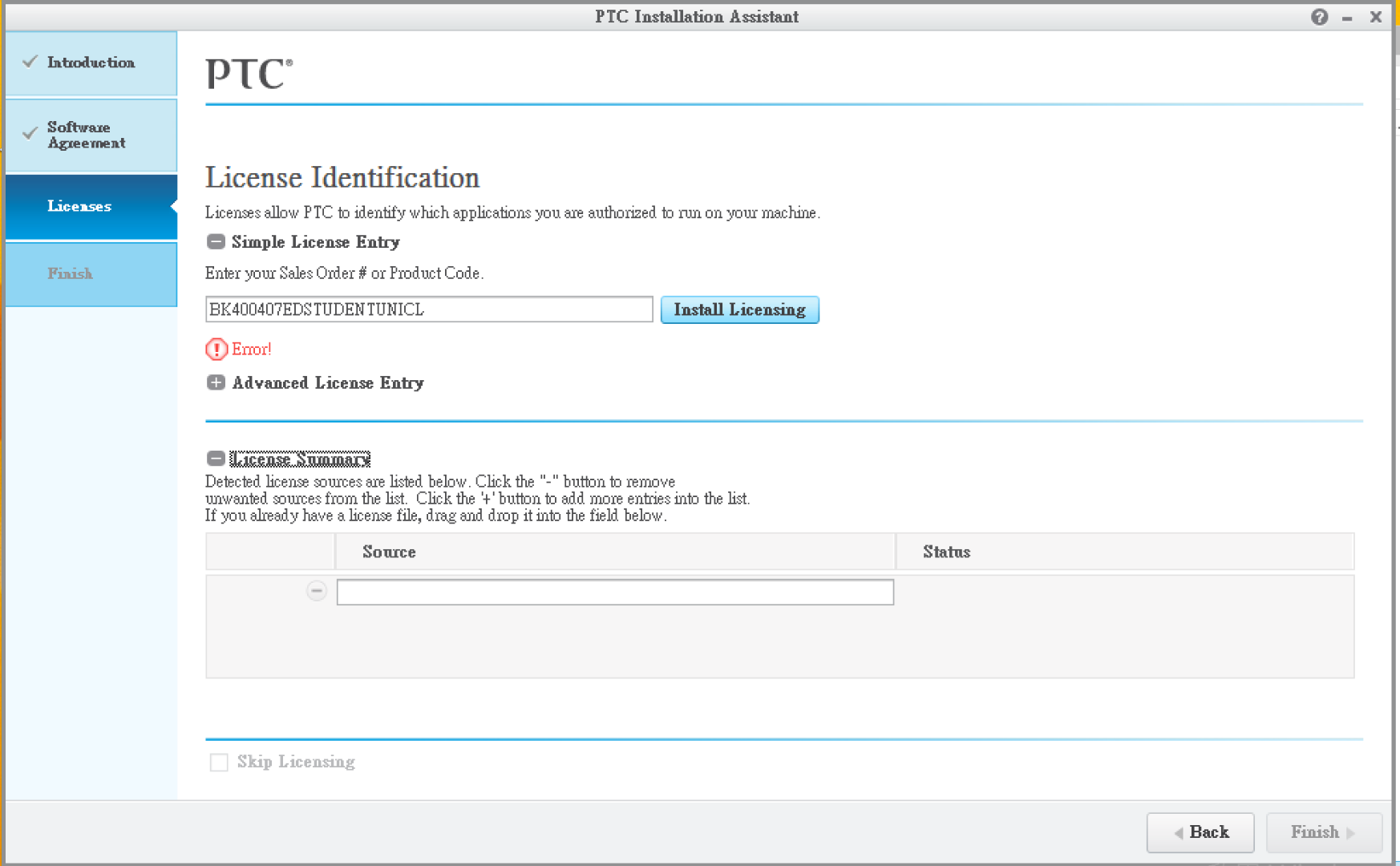
Screen Shot 2016-11-16 at 1.40.22 PM.png

Best answer by MartinHanak

Hi,

MAC address included in your license file is equal to MAC address shown at the end of your Reply. This means that the license file is valid and installation procedure (when you provide path to license file) should create parametric.psf file in Creo3_LOADPOINT\Creo 3.0\Mxxx\Parametric\bin directory.

Open parametric.psf file in Notepad. It must contain 2 important lines:

---

ENV=PTC_D_LICENSE_FILE-=full_path_to_license_file

---

ENV=CREOPMA_FEATURE_NAME=CREOPMA_Student3 ()

---

MH

1 reply

24-Ruby III
November 16, 2016

Hi,

actually the only way how to install Creo is entering path to license file. Please check if this file is valid - I mean if it contains MAC address of network card installed in your PC.

Note: If you publish picture of your license file, I can check its contents for you.

To get MAC address of network card, open ​Command Prompt​ window and run ​ipconfig  /all​ command.

MH

yjian1-VisitorAuthor
1-Visitor
November 16, 2016

Hello,

Thanks for replying, the following are my license file and the MAC address of my windows 8.1 system.

Please check it for me, i've tried to install Creo3.0 for a few days...

Screen Shot 2016-11-16 at 9.48.50 PM.png

Screen Shot 2016-11-16 at 9.49.06 PM.png

MAC address

Screen Shot 2016-11-16 at 9.43.32 PM.png

24-Ruby III
November 16, 2016

Hi,

MAC address included in your license file is equal to MAC address shown at the end of your Reply. This means that the license file is valid and installation procedure (when you provide path to license file) should create parametric.psf file in Creo3_LOADPOINT\Creo 3.0\Mxxx\Parametric\bin directory.

Open parametric.psf file in Notepad. It must contain 2 important lines:

---

ENV=PTC_D_LICENSE_FILE-=full_path_to_license_file

---

ENV=CREOPMA_FEATURE_NAME=CREOPMA_Student3 ()

---

MH