

Question
Modifying default note settings
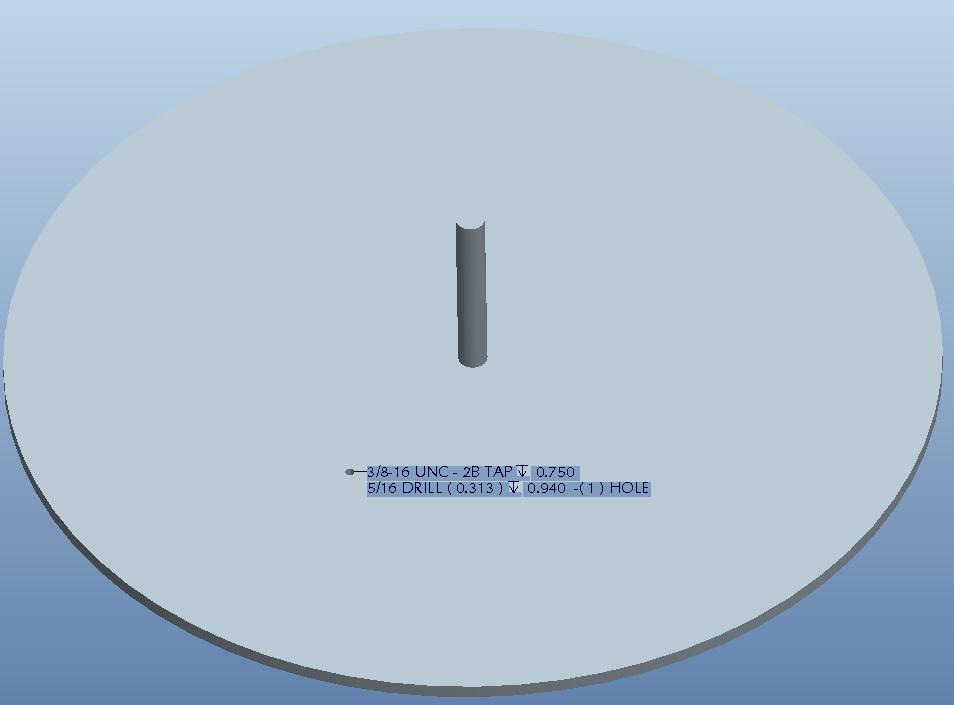
My colleague is trying to modify the default information that pops up in the note when you create a hole using the hole tool. The note properties look like this
"&METRIC_SIZE &THREAD_SERIES - &THREAD_CLASS &STD_HOLE_TYPE &VAR_THREAD &THREAD_DEPTH
&NUMBER_SIZE DRILL ( &DIAMETER ) &VAR_DEPTH &DRILL_DEPTH -( &PATTERN_NO ) HOLE"
My colleague wants to know where the system pulls that information from so that he can edit the information that pops into the note by default.
This thread is inactive and closed by the PTC Community Management Team. If you would like to provide a reply and re-open this thread, please notify the moderator and reference the thread. You may also use "Start a topic" button to ask a new question. Please be sure to include what version of the PTC product you are using so another community member knowledgeable about your version may be able to assist.