

Question
Problem starting Parametric 3.0
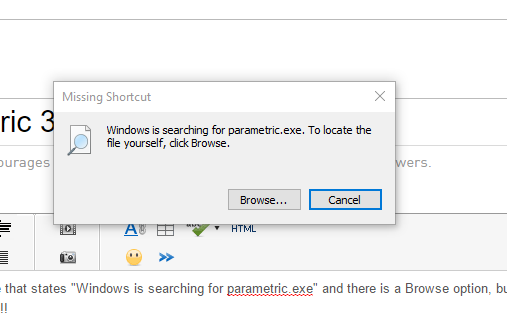
Every time I try to launch the application, I get a message that states "Windows is searching for parametric.exe" and there is a Browse option, but I do not see any sort of executable file in the folder. Please help, I have homework due tomorrow!!!!!!
This thread is inactive and closed by the PTC Community Management Team. If you would like to provide a reply and re-open this thread, please notify the moderator and reference the thread. You may also use "Start a topic" button to ask a new question. Please be sure to include what version of the PTC product you are using so another community member knowledgeable about your version may be able to assist.