
1-Visitor
October 15, 2015
Solved

Problem with the reinstalling student license for CreO Simulate

  • October 15, 2015
  • 1 reply
  • 1671 views

The problem described here Problem with reinstalling license repeats with CreO Simulate. When I try to startup , soft fails down and I get message like on the screen shot.
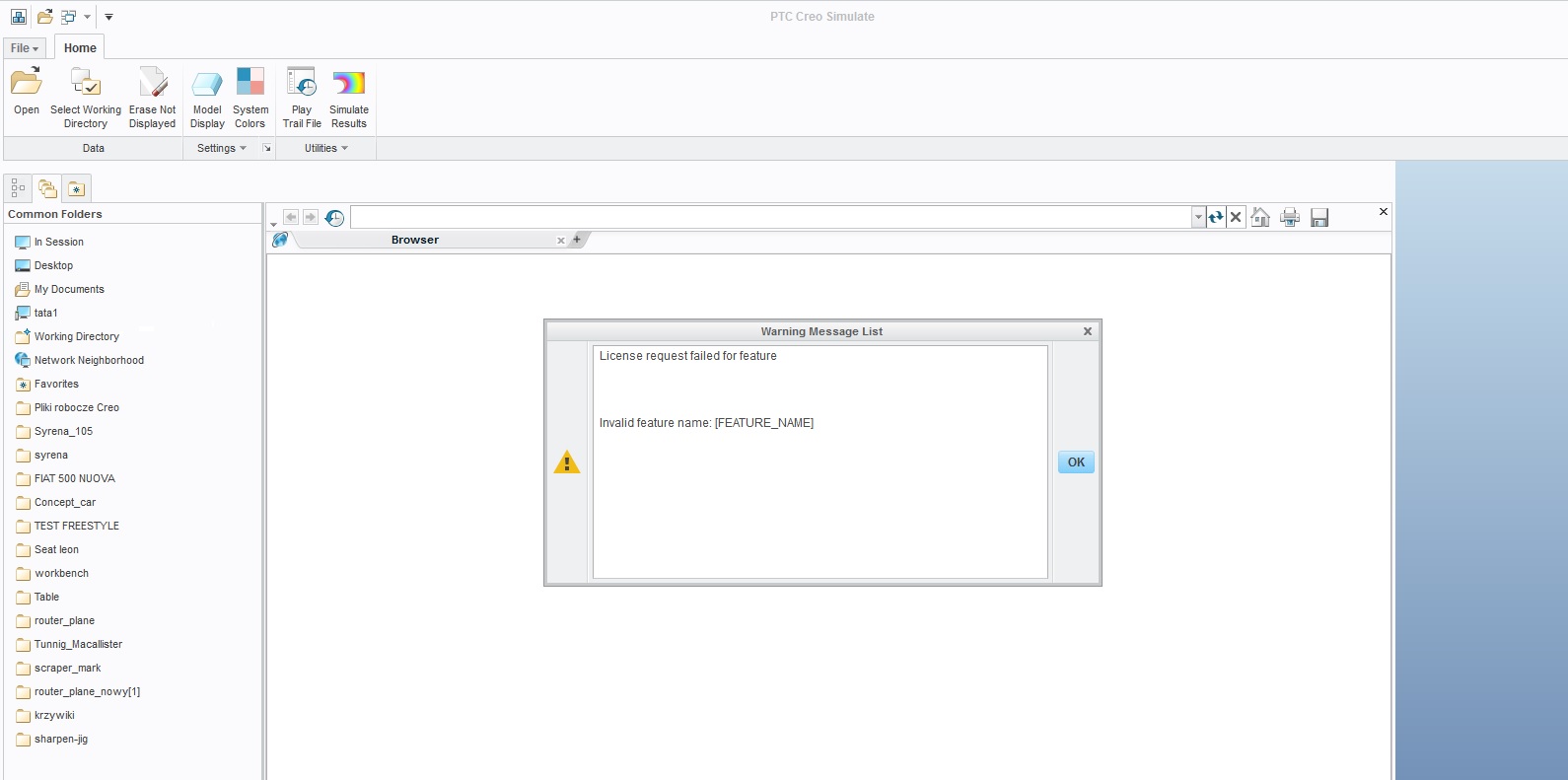
sim_error.jpg

I have changed cocreatsim file (uploaded below), But I think it is done badly.

I would be gratefull for help.

Regards
Ludwika

Best answer by MartinHanak

Ludwika,

none of two your license files available in Problem with reinstalling license contain Simulate license. Therefore you can use Simulate Lite, only.

Use this procedure:

  • launch Creo Parametric
  • open part
  • change application from Standard to Simulate

Tomorrow I can upload some pictures, if you need it.

MH

1 reply

24-Ruby III
October 15, 2015

Ludwika,

none of two your license files available in Problem with reinstalling license contain Simulate license. Therefore you can use Simulate Lite, only.

Use this procedure:

  • launch Creo Parametric
  • open part
  • change application from Standard to Simulate

Tomorrow I can upload some pictures, if you need it.

MH

1-Visitor
October 15, 2015

Hi Martin.

Thanks to your tips I've got Sim Lite already , and gladly watch your picture

ludwika

24-Ruby III
October 16, 2015

Step 1

simlite1.png

Step 2

simlite2.png

Step 3

simlite3.png

Step 4

simlite4.png

I guess that you have expected different pictures ...

MH