

3-Newcomer
May 19, 2026
Question

Quickly Toggling Model Check

  • May 19, 2026
  • 1 reply
  • 28 views

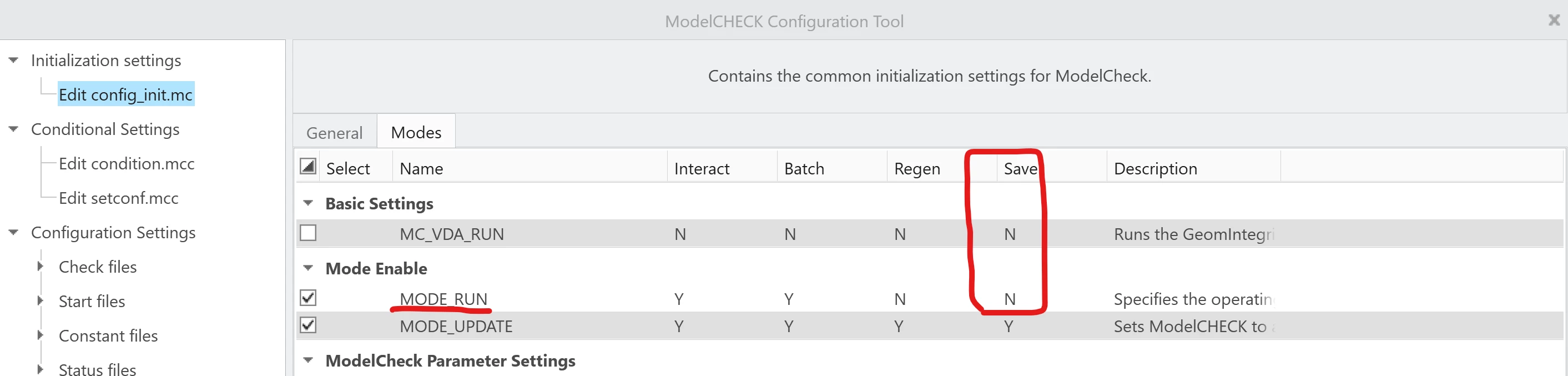
Does anyone have an easy solution for toggling model check on and off from the UI or using a mapkey on Creo 10? Currently I have been achieving the result by temporarily renaming the modcheck folder in my installation.

 I am working through a 12 page drawing that takes 10-15 minutes to complete a model check which is triggered every time the drawing is saved or checked in to Windchill. Besides being a productivity killer as Creo is held hostage during the check, it is also a disincentive for the user to save frequently.

This sluggishness has occurred on both a i9 13th gen powered  with 64gb of ram and a new Dell Pro Max 16 with current gen i9 ultra and 64 gb of ram.
1 reply

Mahesh_Sharma
22-Sapphire I
May 20, 2026

Hi ​@Matthew M 


While there isn't a direct option to enable or disable ModelCHECK as you might expect, there is an alternative approach that could suit your work scenario.

You can define a new condition by using a specific parameter and a check file where all checks are disabled. This way, when ModelCHECK reviews the drawing, it won't perform any checks, allowing the process to complete quickly. At the final stage of the drawing, you can remove that parameter, which will revert the analysis to its initial state and run an analysis with all checks.

This approach ensures that ModelCHECK doesn't hold up the drawing on every save, but instead performs a detailed review only at the final stage.


I hope this will help.


Thanks.