10-Marble
December 7, 2016
Question

When editing a sketch, what config for automatic No Hidden Display Style?

  • December 7, 2016
  • 2 replies
  • 1893 views

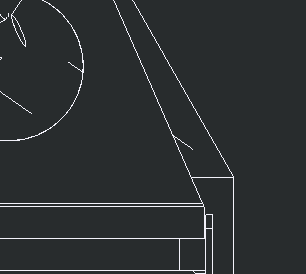
I've been playing in my config.pro for a bit and I can't figure out what setting I need to change to get an edit sketch to change to No Hidden for my Display Style instead of the gray mesh it changes to now. Please see pictures for a more accurate description of what I'm looking for! Any and all help is appreciated. Thanks for your time.

Steve
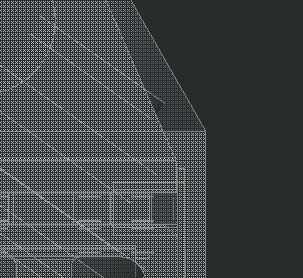
mesh Gray.jpeg  no hidden.PNG


This thread is inactive and closed by the PTC Community Management Team. If you would like to provide a reply and re-open this thread, please notify the moderator and reference the thread. You may also use "Start a topic" button to ask a new question. Please be sure to include what version of the PTC product you are using so another community member knowledgeable about your version may be able to assist.

2 replies

24-Ruby III
December 8, 2016

Hi,

I guess you have to change display mode manually using UI button or custom mapkey.

MH

StevetS10-MarbleAuthor
10-Marble
December 8, 2016

I was thinking about a mapkey for it as well. Just wanted to see if there was any other way before I took that route. Thanks for your reply!

StephenW
23-Emerald III
December 8, 2016

That image looks like you are editing a sketch of a part within assembly mode. You are activating that part when you edit the sketch (feature).

There is a option, DIM_INACTIVE_COMPONENTS (shaded_only, always, never) BUT if you are in shade mode, it won't switch your display to no hidden.

StevetS10-MarbleAuthor
10-Marble
December 8, 2016

Yes it is an edit sketch in an assembly. Thank you for clarifying that, I apologize I left that out. I'll play with that option and see if it's something that makes this a little easier. Thanks for your help.