

Hide Sketch Entities Outside of Sketcher
Does anyone have any creative ways to hide sketch entities when editing sketch values outside of sketcher? I can hide extra dimensions by placing them on a layer but I'm not seeing any way to hide the constraint symbols, construction lines, centerlines, etc. There is no benefit to seeing all this extra 'stuff' when outside of sketcher. Having a way to hide it would really simply the view when editing the sketch values. Yes I realize you can turn constraint display off globally, but that's not what I'm after. I would love to be able to add any sketch entity to a layer and then hide it. Any suggestions?
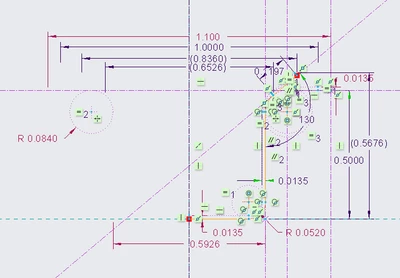
Inside of Sketcher
Outside of Sketcher - Some Dimensions on Hidden Layer
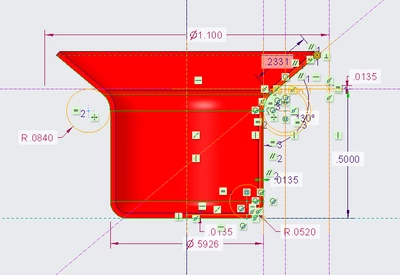
Notice how construction entities inside of sketcher use a dotted line but outside of sketcher use a solid line. It sure seems like they should look the same in both places.
Inside Outside

