Solved
Modify the number of significant figures for a dimension used in a table pattern
Creo 7
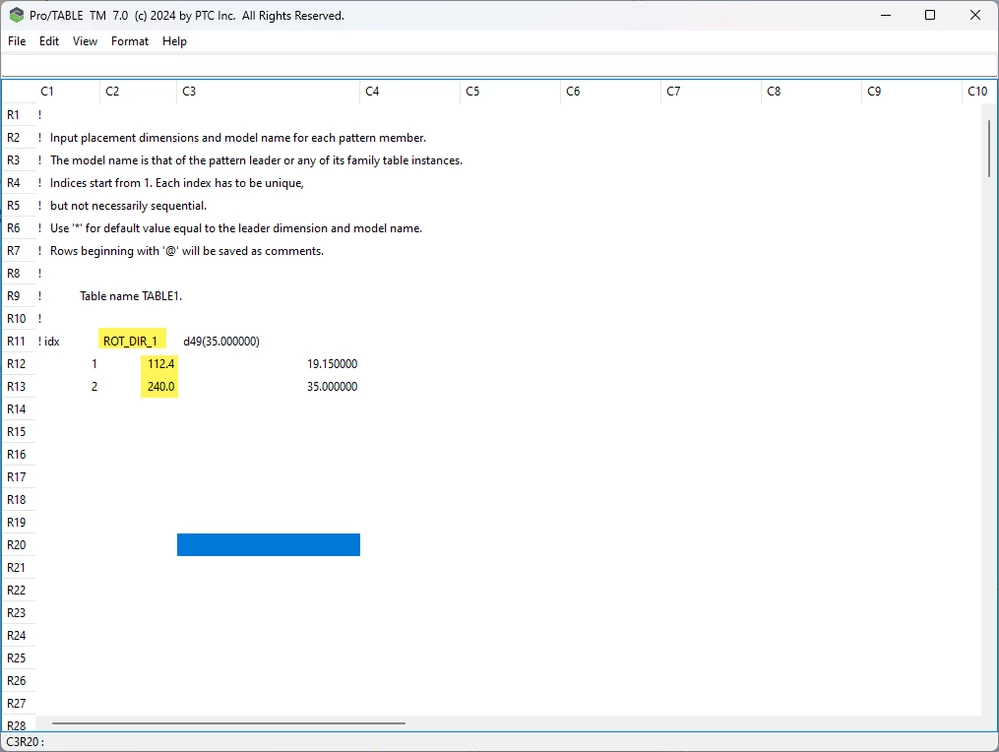
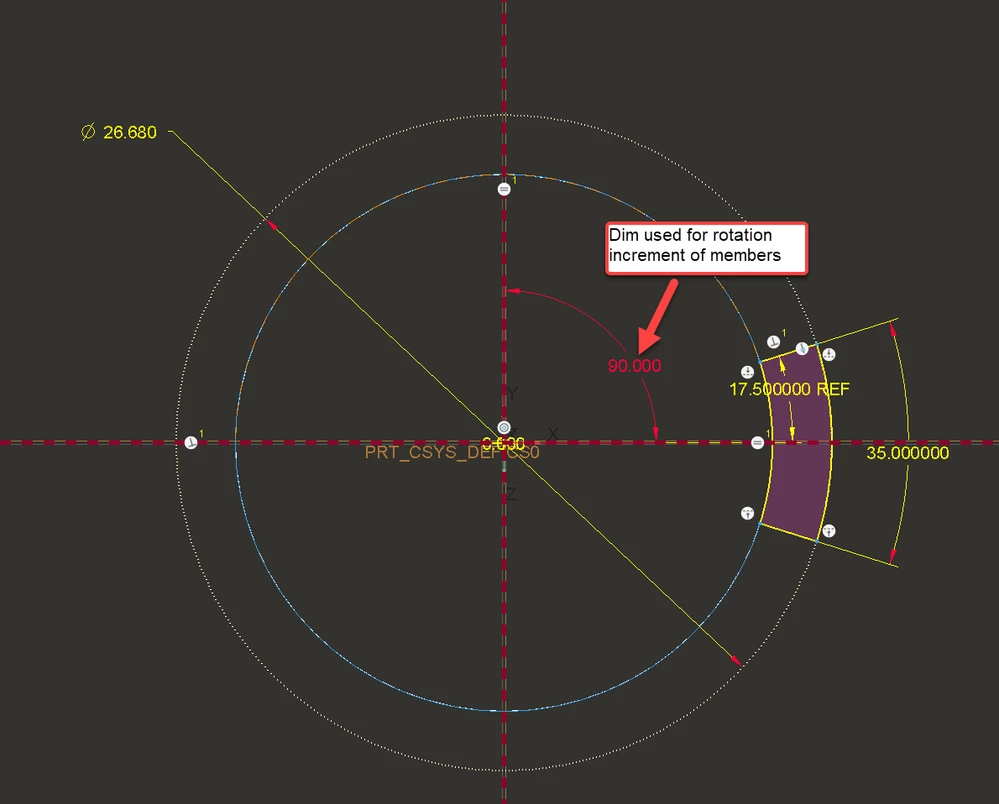
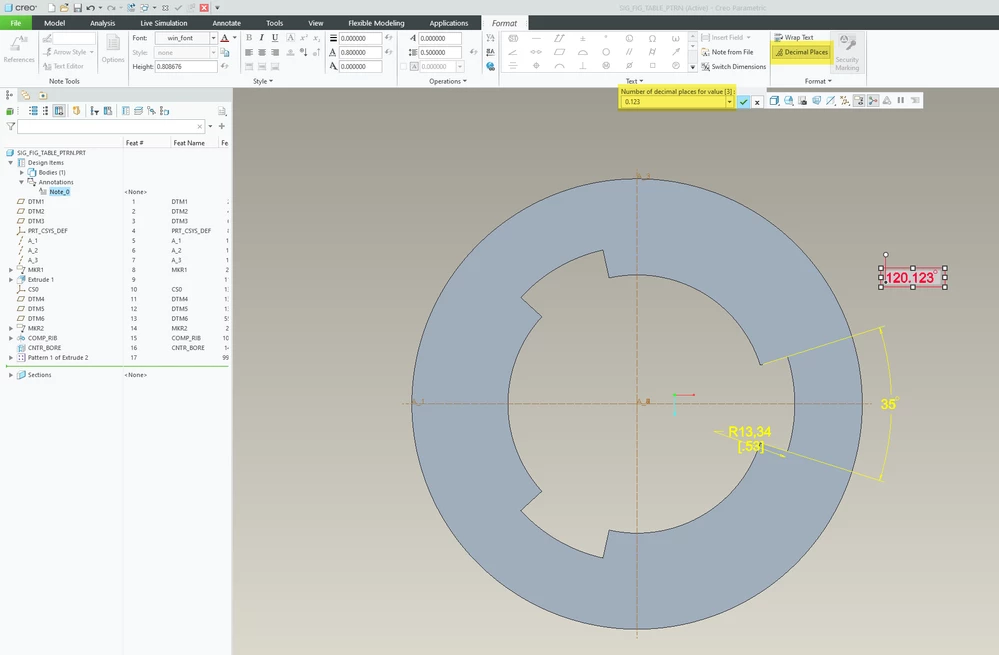
Does anyone know how to edit the # of significant figures for a rotation direction dimension used in a table pattern? I created an axis pattern and then converted it to a table pattern to vary some dims including the clocking angle use to place pattern members. The ROT_DIR_1 dimension is a known dimension (angle) defined in the sketch of the pattern leader feature. Once this pattern is converted to table driven, I am not able to select that dimension to alter the number of decimal places.
I am able to use the find tool to locate this dimension but when selected no actions are available to edit/change it in any way.