Solved
Select All of an Imported Part when Copying a Geometry?
Hello,
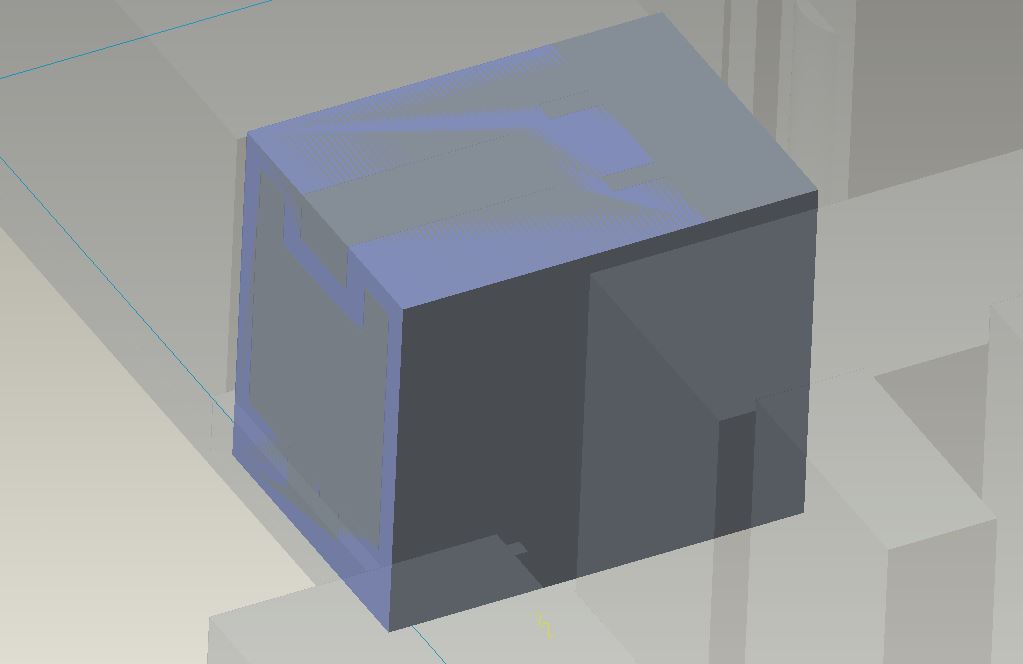
I am trying to copy all of the part geometries of an imported part, into a protrustion. So, for example, the lighter blue in the photo are just two faces of a much more complex part that I need to copy and paste into the Protrusion (the darker box).
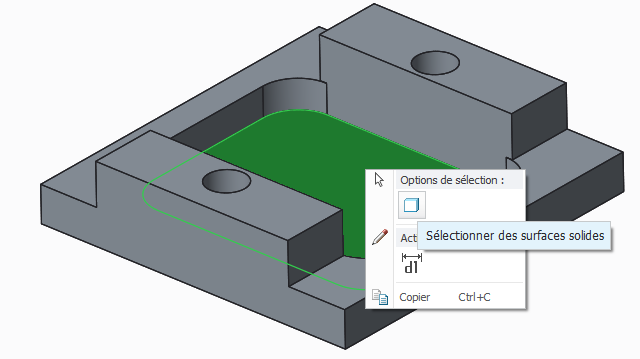
Instead of going through each and every surface, edge, corner, of the part inside of the protrusion, how do I select the entire thing and then Copy and Paste it into the protrusion?
For example, the front face and top face of the light blue, I selected -> Ctrl+C -> Ctrl+V, and then validated with the check mark. I do not want to do this for each little surface in this part that I imported. And I am looking for a way to select it all -> Ctrl+C -> Ctrl+V.
Thanks!