1-Visitor
August 20, 2018
Solved

Mathcad Prime 5 graphs!

  • August 20, 2018
  • 1 reply
  • 23934 views

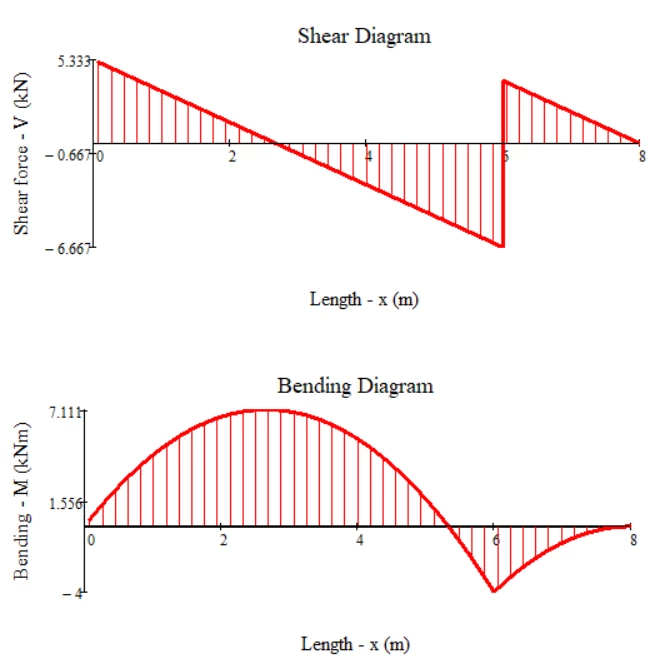
Mathcad Prime 5 displays some really nice 2D plots but is it possible to do something like this? Sort of a hatch for the graph.

 

Screenshot_1.png

Best answer by Werner_E

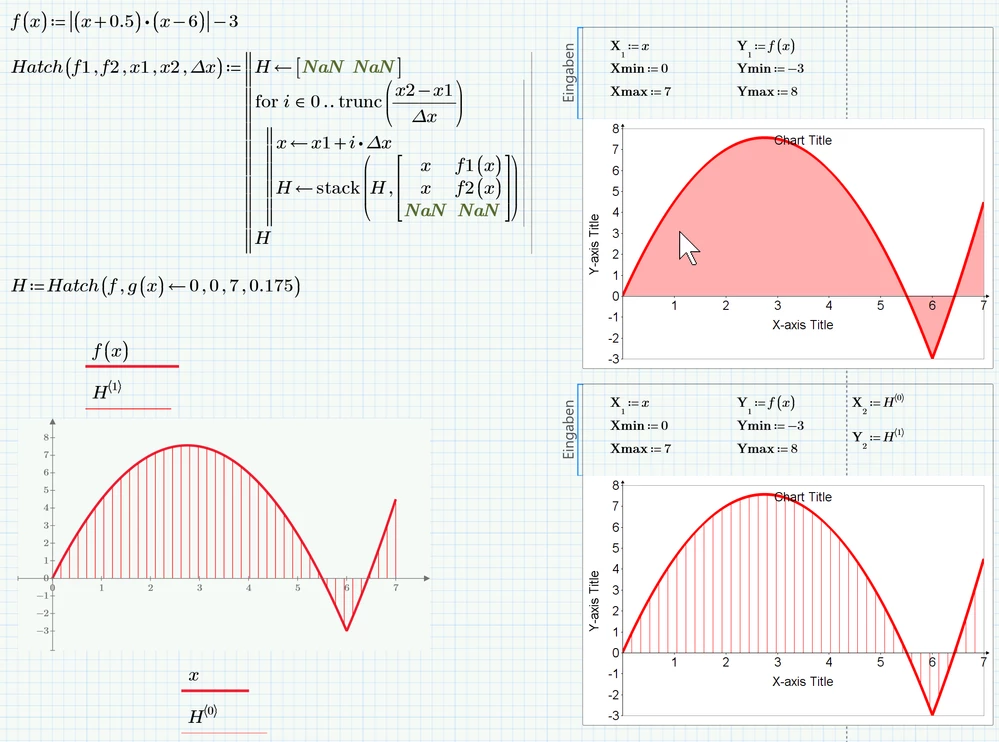
I guess the new charts aren't that capable. The best you can get seems to be a solid or a gradient fill, but no hatch.

As in the versions before you'll have to program a hatch yourself.
B1.png

I guess the new charts will look differently as shown in this screenshot if you open the attached file - especially I expect font and arrow size to be much larger unless you are using like me a small, but high resolution screen with a windows zoom (not in Prime) set to something like 250%-300%.


This is due to a bug in the implementation of this chart module - it does not consider the zoom factor set in windows 😞

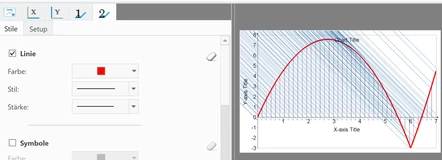
Another bug is the preview of the new charts. Here is what i see with the chart were I had added the hatch (fortunately the result in the sheet is as it should be):
B2.png

1 reply

Werner_E25-Diamond IAnswer
25-Diamond I
August 20, 2018

I guess the new charts aren't that capable. The best you can get seems to be a solid or a gradient fill, but no hatch.

As in the versions before you'll have to program a hatch yourself.

B1.png

I guess the new charts will look differently as shown in this screenshot if you open the attached file - especially I expect font and arrow size to be much larger unless you are using like me a small, but high resolution screen with a windows zoom (not in Prime) set to something like 250%-300%.


This is due to a bug in the implementation of this chart module - it does not consider the zoom factor set in windows 😞

Another bug is the preview of the new charts. Here is what i see with the chart were I had added the hatch (fortunately the result in the sheet is as it should be):

B2.png

1-Visitor
August 20, 2018
This works really nice but the problem is that it is shown in the legend since it's not the same function as the one for the graph. Is there any way we can remove it from the legend?
25-Diamond I
August 20, 2018

@DrilonShabani wrote:
This works really nice but the problem is that it is shown in the legend since it's not the same function as the one for the graph. Is there any way we can remove it from the legend?

Again I fear that the chart plot isn't that capable and you can't select which trace you'd like to see in the legend or edit it in some other way. These menu driven plot charts unfortunately are not very flexible and are a big disappointment.

You could give the second plot trace, the hatch, a name consisting of just one blank, but the colored square will still show up in the legend.