1-Visitor
February 7, 2016
Solved

Creo UI Text Size

  • February 7, 2016
  • 1 reply
  • 10397 views

Hello,


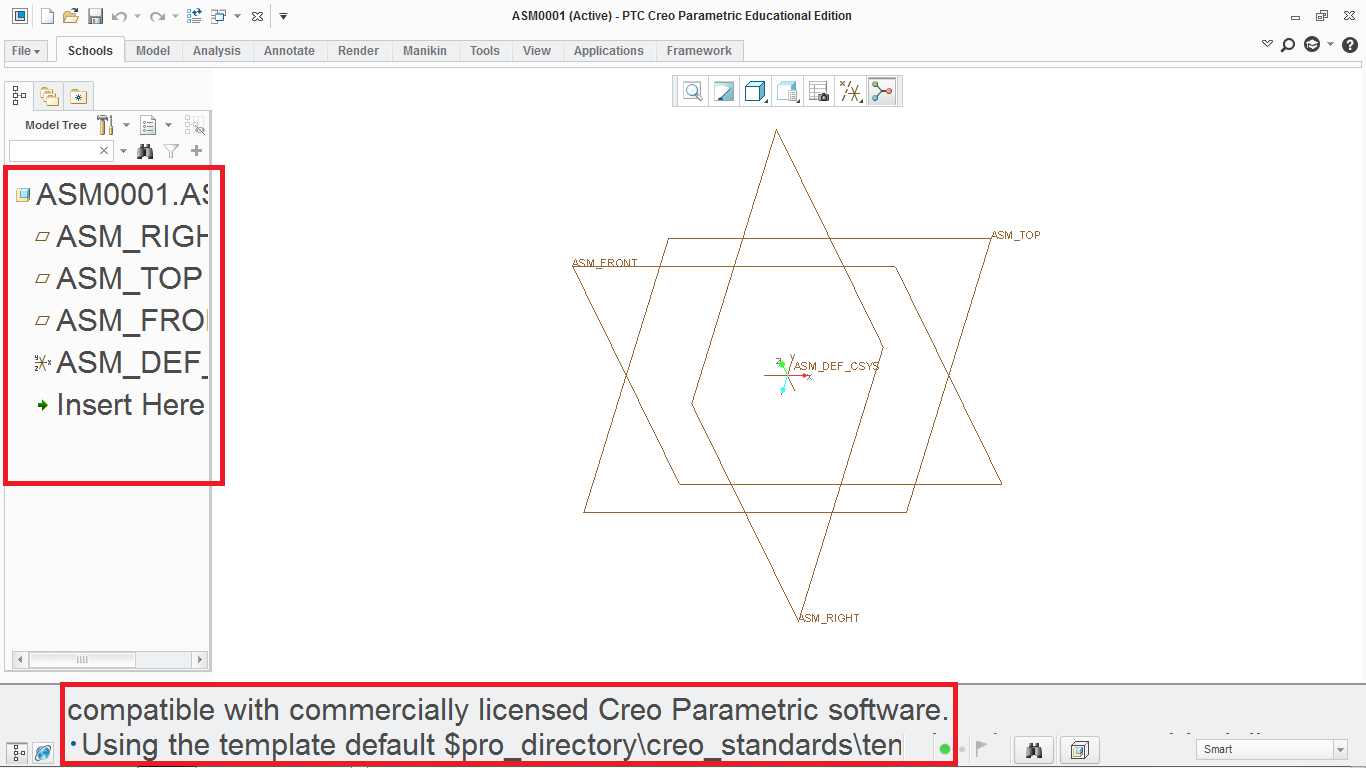
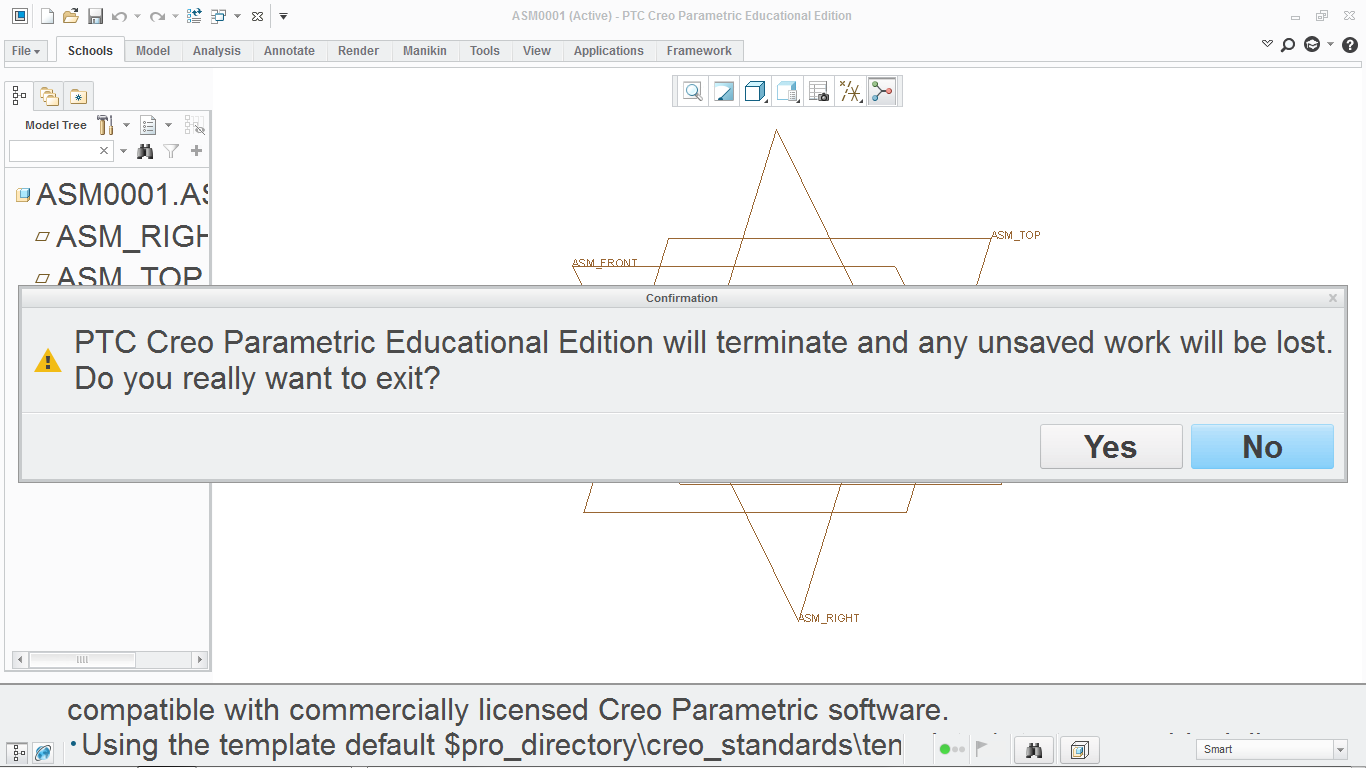
I am new to PTC Creo. After I finish the installation and open up Creo, I realized the model tree's font is too big and is hard to find the right part while the fonts are so big. Does anyone know how to fix this problem? I have attached 2 screenshots to show the problem.


Thanks!
Creo Problem 2.png    Creo Problem.png

Best answer by Kevin

‌There are a few configuration options you can set: defualt_font, font Size_size, and model_tree_font. You can also drag the model tree border to resize it left to right or separate the model tree so it is a separate window.

1 reply

Kevin1-VisitorAnswer
1-Visitor
February 8, 2016

‌There are a few configuration options you can set: defualt_font, font Size_size, and model_tree_font. You can also drag the model tree border to resize it left to right or separate the model tree so it is a separate window.

blam1-VisitorAuthor
1-Visitor
February 8, 2016

Got it, changed default_font to arial, 9 and it works fine. Thanks!