Yes you can edit a grid. Once you have your grid and some data bound to it there are a number of steps to go through.
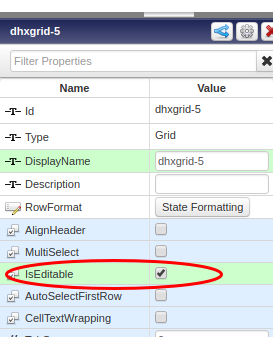
- Make the grid editable in the properties bar
- Next configure which columns you want to be editable via the drop down menu item on the grid widget. Select 'Configure Grid columns'.
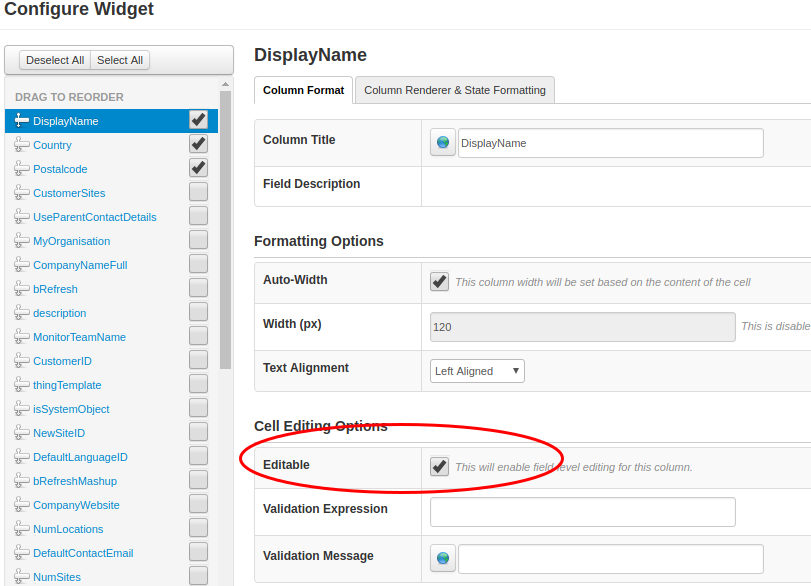
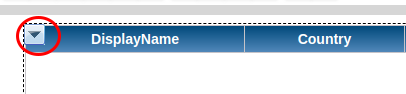 '
' - Tick the 'Editable' checkbox. You can add some validation if you want.
When you have finished your edit you will want to do something with the edited table. To do this you will have to write a service that has an infotable with the same datashape as the grid as an input parameter. To input the edited data you bind the 'EditedTable' property to the input parameter of your service.
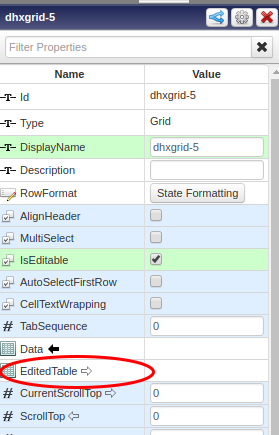

Then use a button to trigger the update service.

