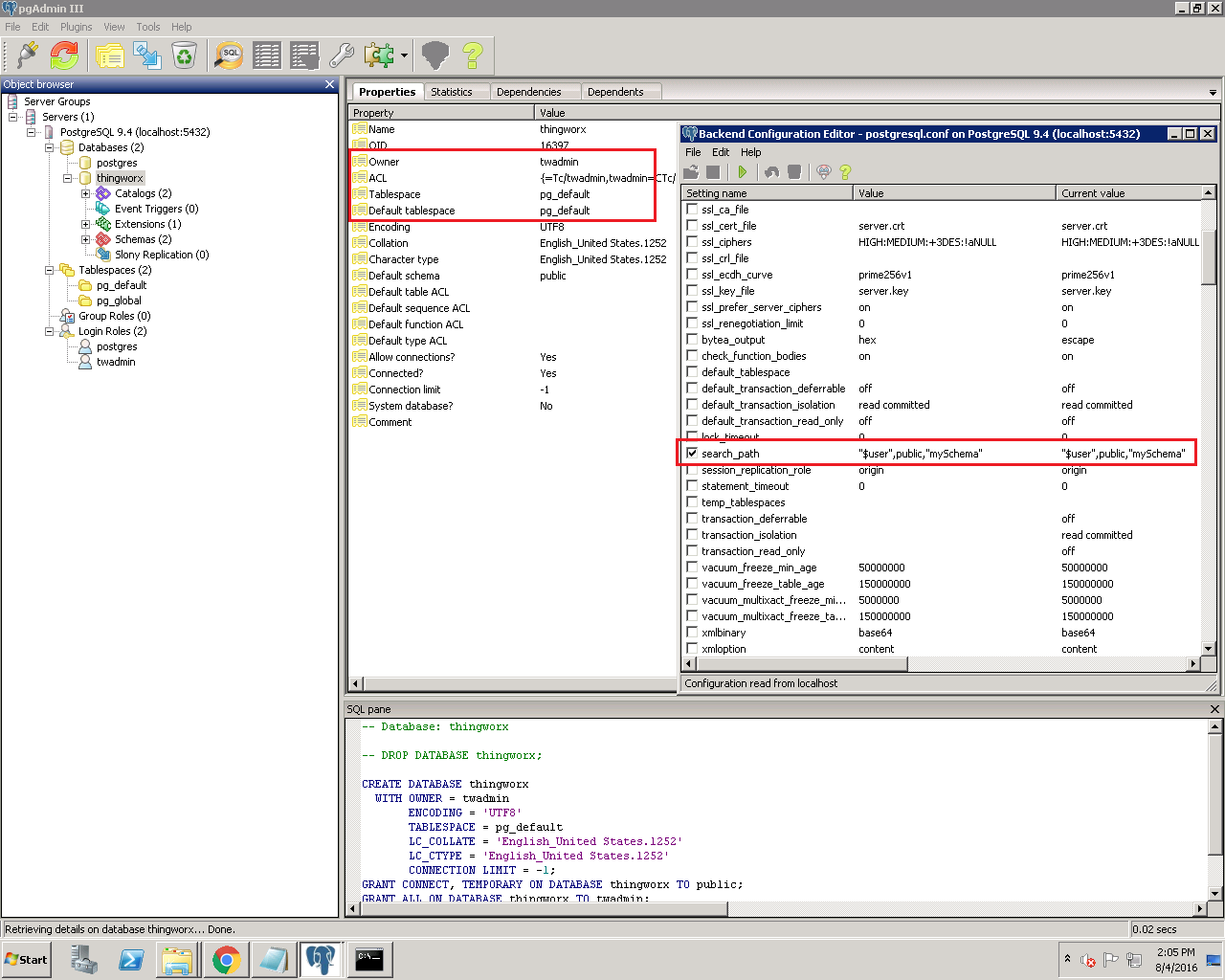
You should not have the words mySchema in your SEARCH_PATH. Instead, modify that to say only "$user",public instead.
*EDIT* You can have mySchema in there if you have created such a thing for the ThingWorx tables to reside in, but I'm assuming you did not and you should just use public instead. I would restart your database service after you do this, just to ensure the changes take effect.
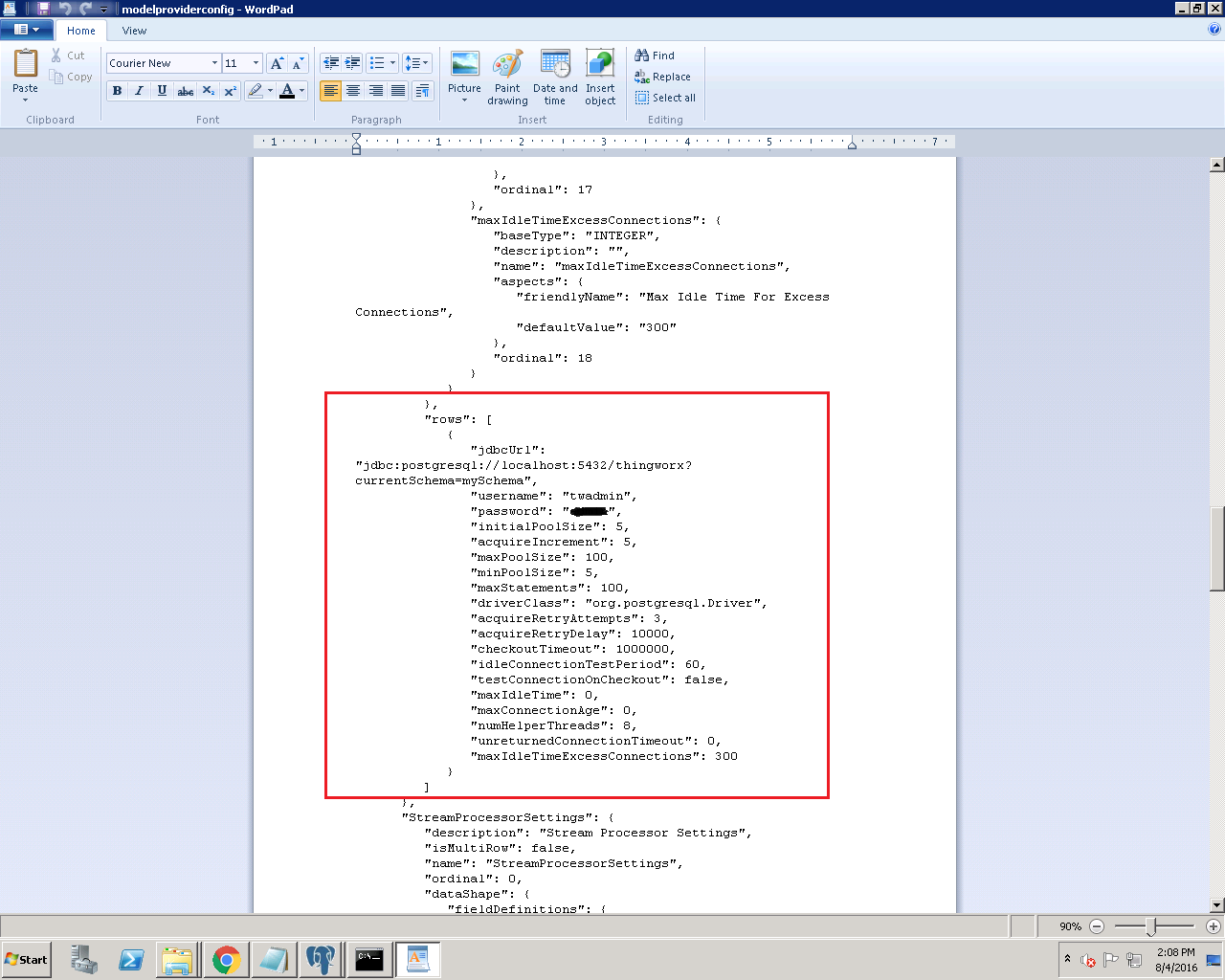
If you have your schema named mySchema, then adding that to the SEARCH_PATH was correct, and probably should have worked. I'm assuming you changed this when you ran the setup script for the schema? If you don't need to rename your schema and just want to get ThingWorx up and running I would recommend wiping out the schema and re-running that batch files.
I'll keep looking if there is another fix for this that we aren't seeing.
**EDIT** Alright, one more thing, set the path to "$user",mySchema,public
The order matters, and it reads left to right. Since the $user schema most likely doesn't exist it'll ignore that and move on. I'm not sure if the public one exists by default but that may be why ThingWorx was confused because, it was looking there first because it exists and then doesn't find anything. Give it a shot and let me know if that still doesn't work.