14-Alexandrite
December 15, 2017
Question

white objects appear grey

  • December 15, 2017
  • 2 replies
  • 2797 views

Hi All,

I'm working on an experience which involve white components.

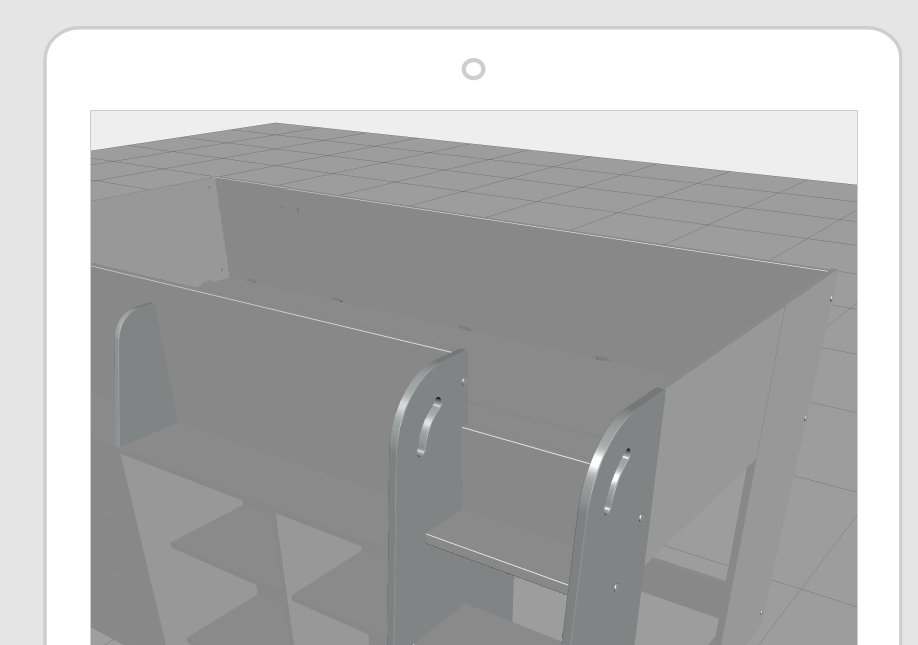
In Creo Parametric, the appearence is white, in creo View or Illustrate, i make sure it's still white, but when i put this model into Thingworx studio, it's grey (in the interface, the preview and through the View app).

I've tried to tweak the lighting settings in Creo View and Illustrate before exporting the model into a separate pvz but still they appear in grey.

I also tried to create a modelitem on the components and force again the white color but still they appear in grey.

I thing there's something to do about the scene lights but i can't find any way to tweat it in Studio.

Any help would be greatly appreaciated.

Michel

Here is a screenshot from Creo View, we can esaily see the white components and the grey ones.
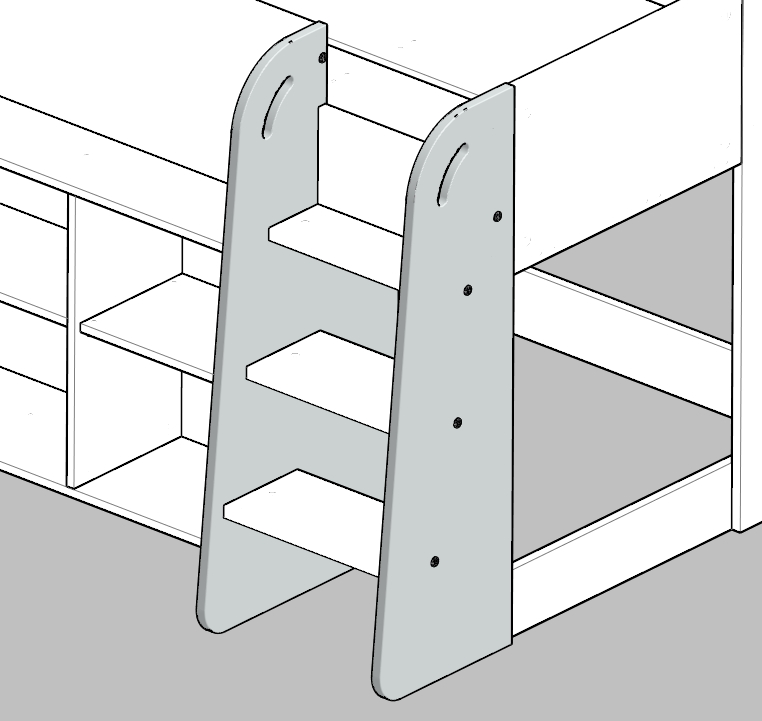
View.jpg

Here is a view from the Studio :

Studio.jpg

    2 replies

    21-Topaz I
    December 18, 2017

    Hi Michel. I am able to reproduce this issue locally and am looking into a solution. I will get back to you on this.

    14-Alexandrite
    January 8, 2018

    Hello and happy new year to everyone.

    Any update on this topic ? I would love to try something this week if possible.

    Many thanks,

    21-Topaz I
    January 8, 2018

    Hi Michel.  Can you share how the color is applied (part level, assembly level, surface, etc.)?

    5-Regular Member
    January 18, 2018

    Not sure if its finally answered and I'm not a creo expert.

    Thus said:

    The color can be set on modelitem level (white) – and it definitely is white – keep in mind the “virtual” light direction that is assumed in studio preview (moving the mouse around you will see it - you can see it also on the end device)

    Or in Creo Illustrate, Edit Structure and properties of the part.