

Performance issue with PA - Cannot set Location
PDMLink 12.0.1.2
Using Creo 4 M140
I turned the Windchill Performance Advisor on 2 days ago. Since then I have received several reports saying a user cannot set the location of their CAD files when trying to check in. They get the spinning circle.
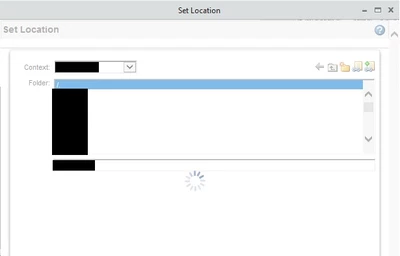
I even tried it as org admin and get the same thing.
That isn't the only thing affected. I get the same thing when going to the Event Management.
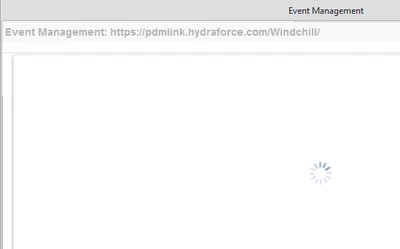
When opening the Event Management through Creo is when it happens which used IE as its internal browser by default. Opening a separate IE browser and going into the EM does not produce the issue.
I changed Creo to use the Chromium browser and there is no more issue.
However, we had to switch the internal browser in this version of Windchill about a month ago because Creo wasn't working and it caused other problems. That original problem cleared up so we switched back to IE. Chromium for the internal browser is a no-go for us.
Does a newer version of Creo use a different internal browser by default?
If not then why not? IE is no longer supported by Windchill so why would the internal Creo browser be IE?