1-Visitor
October 23, 2019
Solved

Add "Workflow Service" throws 404 Page Not Found Error

  • October 23, 2019
  • 2 replies
  • 2882 views

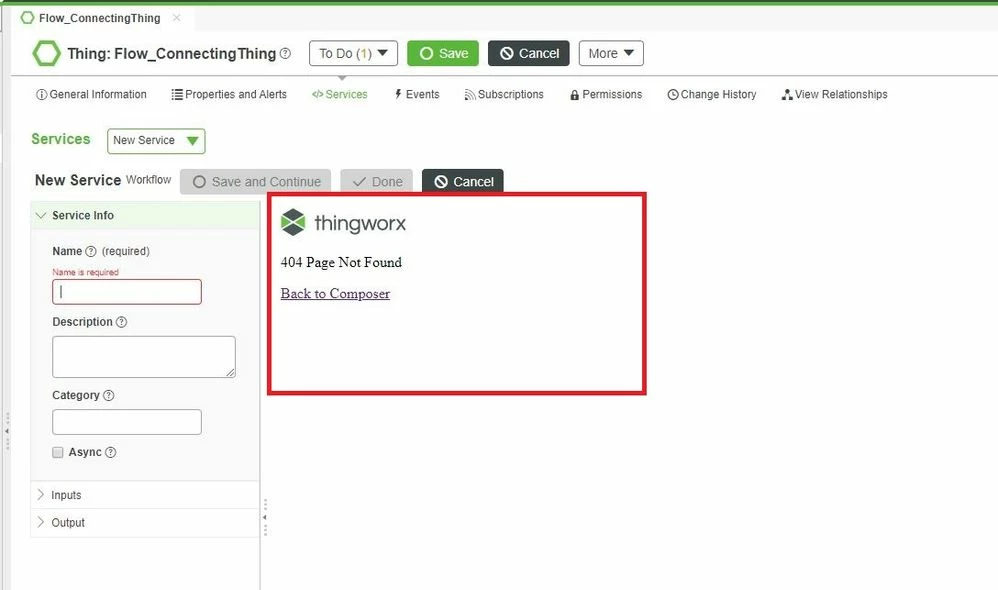
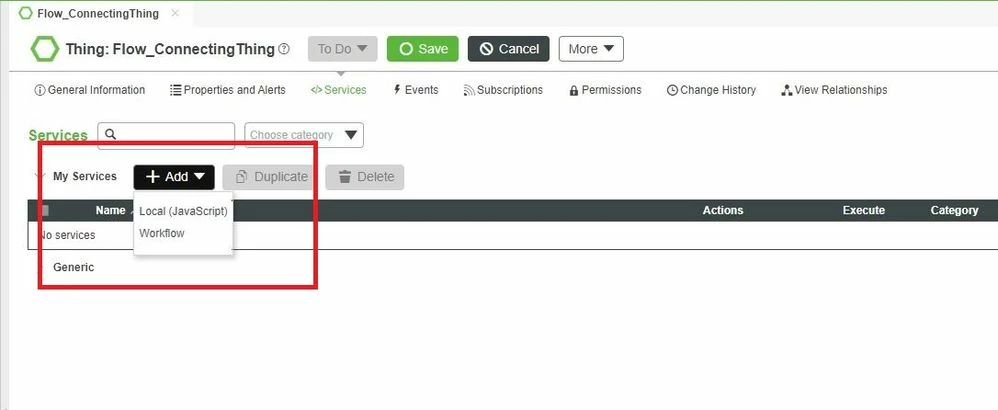
Am able to access thingworx flow from the suggested URL (https://<hostname>:<Port>/Thingworx/Composer/apps/flow). But when I created a Thing in Thingworx composer and added a service by selecting "Workflow", it throws, 404 Page Not Found error in the service creation panel. I checked the status of flow with "pm2 ls" command in command prompt and all the components are "online".


Can someone please suggest a solution. Am currently using Thingworx 8.5 version.
 

FlowError1.JPGFlowError.JPG

Best answer by VinayVaidya

Looks like you are accessing ThingWorx composer via the tomcat url, try using nginx url. Just replace the protocol, host, port in the url with the values you provided for Flow while installing. You can also look them up from the Flow UI url

2 replies

22-Sapphire I
October 23, 2019

There is a bug right now with Flow within Composer, because it assumes that Thingworx and Flow are both installed on the same port, which isn't possible if both Thingworx and Flow are installed on the same Server.

If you are installed on different servers, then make sure both are running on the same port.

16-Pearl
October 25, 2019

Rather than a bug is actually not supported at the moment, according to R&D.

They are working on an idea to enhance this long term.


For the moment Flows can be accessed and created via the ThingWorx Flow URL in nginx - e.g.

https://myserver/Thingworx/Composer/apps/flow/#

The port is the default 443 HTTPS port defined during the nginx installation.

12-Amethyst
November 20, 2019

Looks like you are accessing ThingWorx composer via the tomcat url, try using nginx url. Just replace the protocol, host, port in the url with the values you provided for Flow while installing. You can also look them up from the Flow UI url