1-Visitor
May 13, 2020
Solved

Analytics tutorial - Inaccurate model

  • May 13, 2020
  • 1 reply
  • 2515 views

Hello,

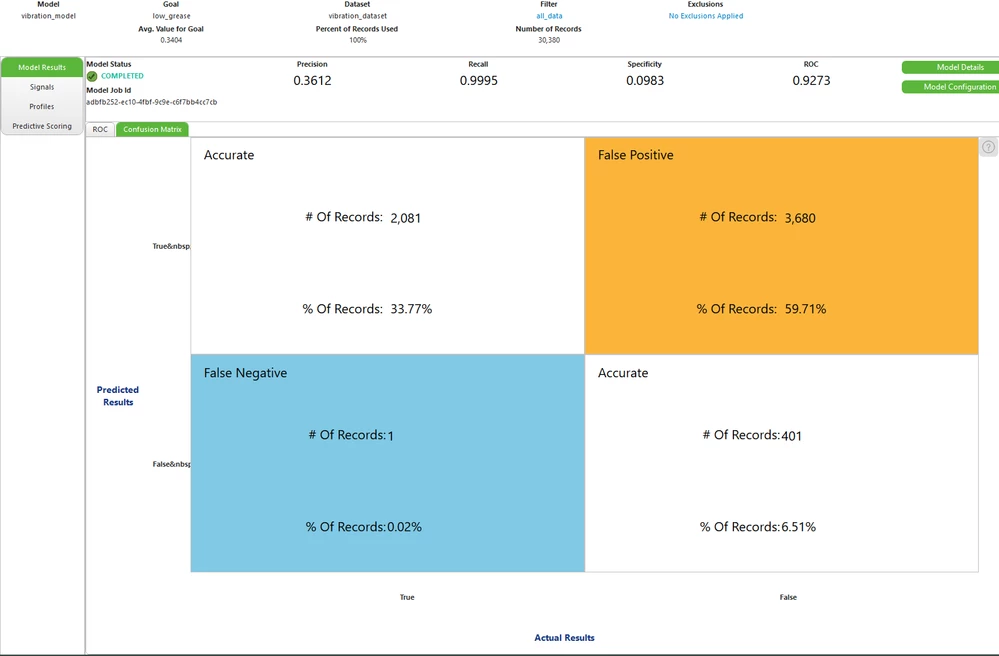
I'm doing the tutorial to build an Analytical Model. The steps are quick and easy and yet I've got an innacurate model at the end.

Here is the dataset provided in the tutorial. I create a model with the basic configuration using all indicators with low_grease boolean as goal (same as the tutorial).

I don't undestand what I'm doing wrong. Any clue?


Tutorial result :
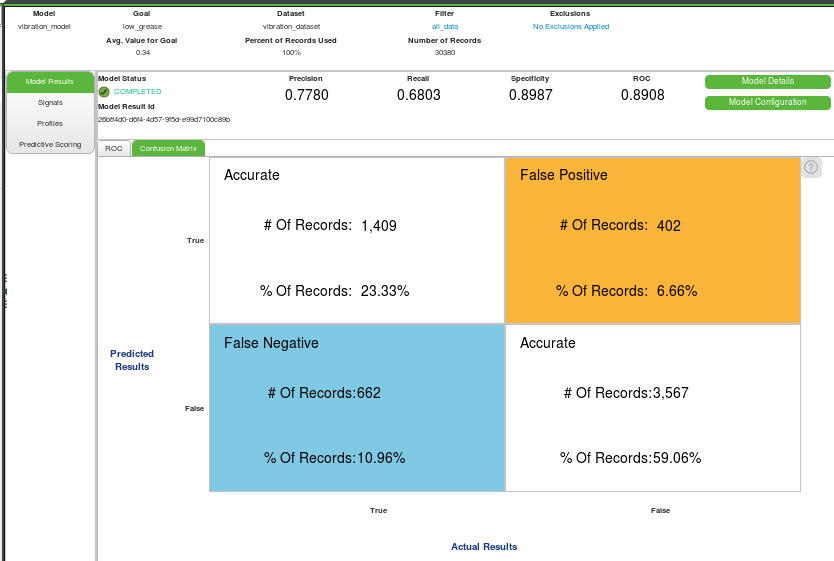
27_ab_models_view_confusion_matrix


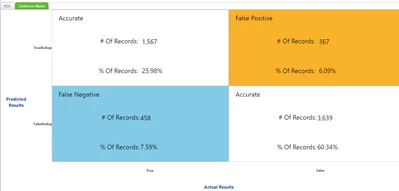
My result :

Sans titre.png


Philippe

Best answer by anickolsky_2022

Hola Philippe,

I have encountered this issue before, and for me the clue was to update my TWA instance.

This is what I get with 8.5.4

2020-05-13_17-11-31.png

Regards

1 reply

5-Regular Member
May 13, 2020

@plpt 

Thank you for opening the post on community. It seems there is major difference between actual model and your model.

I can see lot of values falling under False positive for you as per confusion matrix. Did you exclude any field while creating model?

Have you checked the profiling?


Regards,

Mohit


plpt1-VisitorAuthor
1-Visitor
May 13, 2020

I did not exclude any field in my model.

What do you mean by check the profiling?

But the thing is that I reproduce every step of the tutorial...


Best regards,

Philippe

5-Regular Member
May 13, 2020

@plpt 


Signals and profiles is the 6th step in that tutorial. I am not sure why you are getting this inaccurate model.


Could you please try to retrain it or build and new model with same data set.


Also do try with Refine model steps given in 7th point and let me know if it works for you.