We do this using custom CSS on mashup level where navigation function is used.
Steps to reproduce:
- Define navigation function as ModalPopup
- View mashup and execute navigation
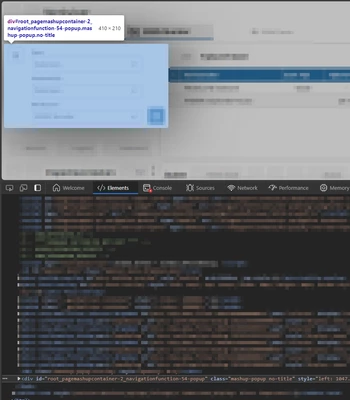
- Use devtools to inspect the html and find the id of the modal popup div
- Define the required position in the mashup custom CSS section (We also change the background blur opacity in this example):
.mashup-popup[id$='-2_navigationfunction-54-popup'] {
	left: 6px !important;
	top: 106px !important;
	position: absolute !important;
}

.mashup-popup[id$='-2_navigationfunction-54-popup'] .widget-bounding-box[id$='-2_navigationfunction-54-popup-bounding-box'] {
	width: auto !important;
	height: auto !important;
	position: absolute !important;
}

.mashup-popup-overlay {
	opacity: 0.25 !important;
}
Hope this helps.