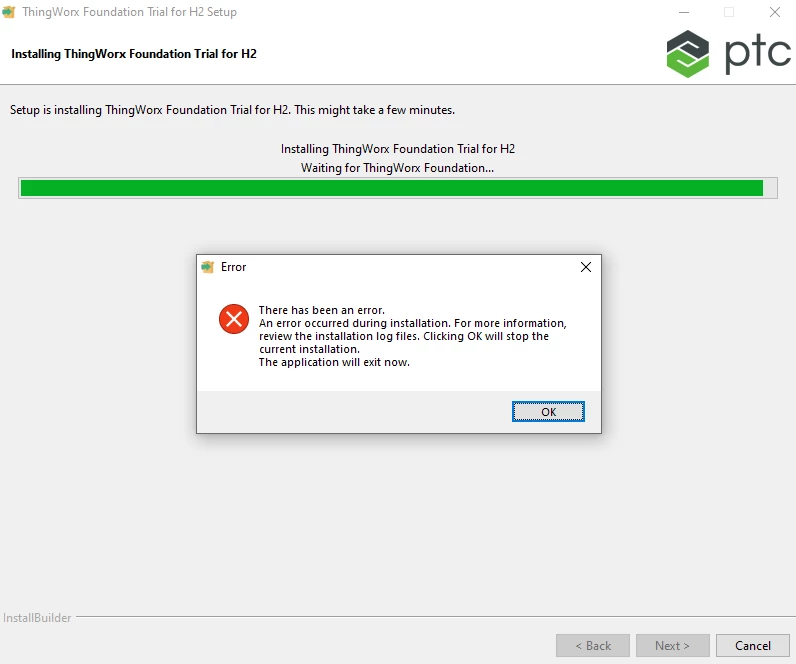
@CS_9755001, check the logs at location.
- <Install Location>\installer\logs\foundation-<date time>.log
- <Install Location>\installer\foundation\local-mode-cache/cache/chef-stacktrace.out
- <User Directory>\AppData\Local\Temp\bitrock_installer.log
Run the installer in debug mode check for error.
- Open Command Prompt as an Administrator
- Navigate to the directory with the installer executable
- Execute the following command
- <installer-name>.exe --debuglevel 4
- For example
- ThingWorxFlowPostgres-8.5.4-x64 --debuglevel 4
- Proceed through the installer until the point of failure
- Collect all DEBUG log files prior to closing the installer
- When the installer window is closed a cleanup activity will be performed which deletes most files and directories (including log files)
- Close the installer
This issue can be possible because of invalid java path or try runing with admin permission.
Regards
Ankur