Solved
Disable Grid Widget Row Hovering
Hi all,
I am trying to find a way to simply disable grid hovering in the Thingworx grid widget.
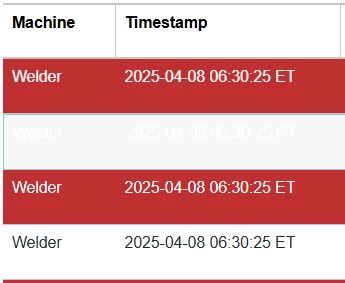
I have this grid with red and white rows. When hovering, the red rows hover as white text on white background, but the normal rows don't change on hovering. I'd like all rows regardless of state (there are a few other state colors not seen in the visual) to not have any change when hovering, but I can't seem to find any setting to disable this and can't seem to find a way to bind a state definition to the hovering settings and all rows are required to have the same hover settings.
Is there any way to simply disable this?
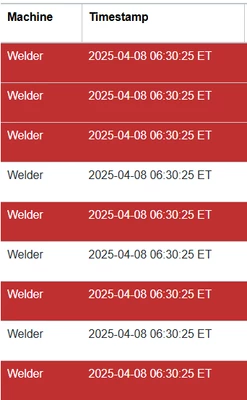
Normal:
Red row hovered: