
1-Visitor
January 6, 2020
Solved

Error to import data

  • January 6, 2020
  • 1 reply
  • 1467 views

Hi everyone!


I'm beginner in the thingworx and I have difficult to import entity and data.


I have a backup from other account that I would like to import to my new foundation account. So whem I to have tried to import it happens the error in the image below:
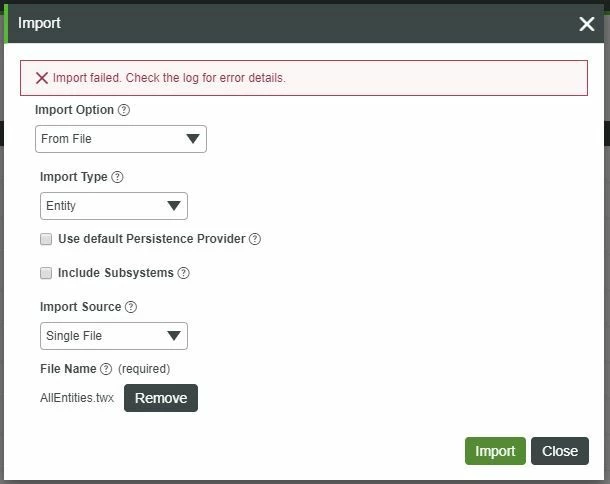
 

Import Error.JPG


I don't know where is the logs to verify the datails or some cod error. Can someone help me to find it?


Regards,

Leonardo

Best answer by raluca_edu

Hi,


According to the log, you are missing an extension related to AWS in the new Thingworx instance where you want to import.

First, import the extension and after try again to import (I advise you to enable "Use Default persistence provider" when you will do again the import).


Regards,

Raluca Edu


1 reply

15-Moonstone
January 6, 2020

Hi,


To check the logs, you need to select "Monitoring" on the leftmost tab, and then "Application Log". Do this after you try an import, and check the error. What does it say then?

1-Visitor
January 6, 2020

Hi @Radu 


Thank you for your answer


Below the image of log after I try to import:


Log Error.JPG


17-Peridot
January 6, 2020

Hi,


According to the log, you are missing an extension related to AWS in the new Thingworx instance where you want to import.

First, import the extension and after try again to import (I advise you to enable "Use Default persistence provider" when you will do again the import).


Regards,

Raluca Edu