Hi @Islam_Amer.
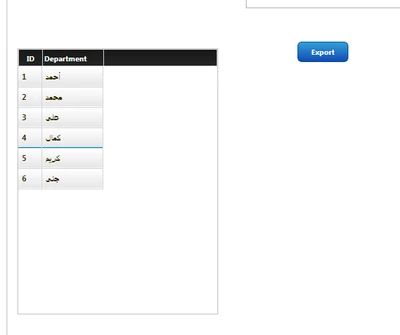
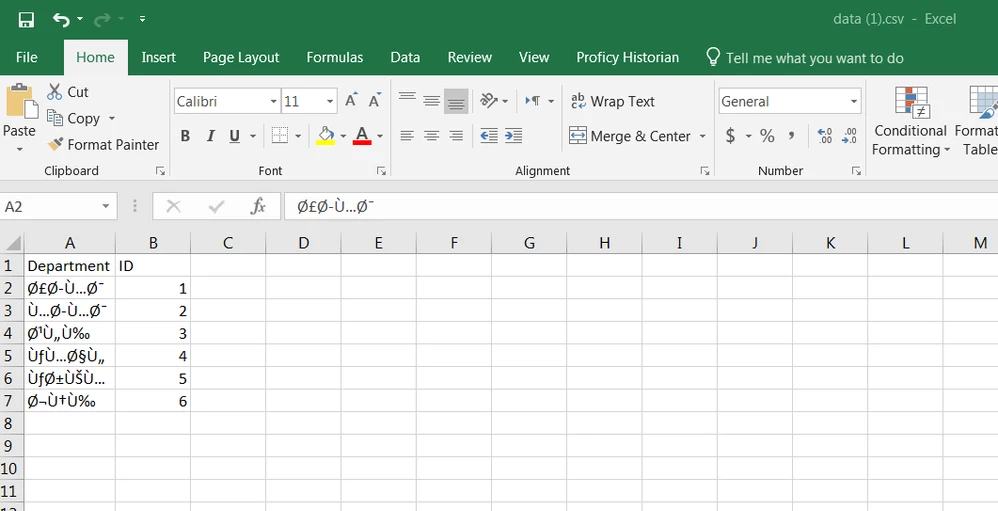
When exporting a CSV file containing a different language in Excel, you will need to do the following:
- In Excel, select the Data option on the toolbar
- Select From Text/CSV
- Select the file, then click Import
- Under File Origin, select the appropriate language
- Click Load
Note: These instructions may be different if using a different version of Excel
If you still have issues after following these instructions, please let us know. It would also be helpful for you to validate the contents of the exported file in a text editor to be sure the contents appears correct prior to attempting to import into Excel.
Regards.
--Sharon