
7-Bedrock
September 24, 2023
Question

How to add a shadow effect behind a value display in a mashup?

  • September 24, 2023
  • 1 reply
  • 1549 views

Hello,


I have a value display in a mashup:
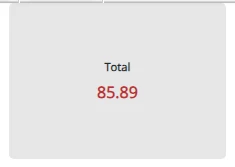
S_Elsayed_0-1695576733233.png

Where I want it to have a shadow effect on runtime, to be similar to something that looks like this:
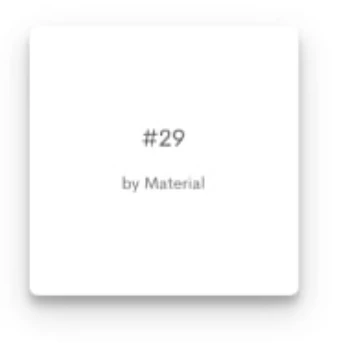
S_Elsayed_1-1695576875068.png


How can I do that?


Thank you in advance.


1 reply

14-Alexandrite
September 24, 2023

Hello,


In the mashups custom CSS tab enter

ptcs-value-display:not([aria-disabled=true]){
 box-shadow: #bbbbbb 0px 0px 16px;
}

This will render a CSS box-shadow on the value display. Modify as needed...


rogerjn_0-1695589482223.png


S_Elsayed7-BedrockAuthor
7-Bedrock
September 24, 2023

Hi @rogerjn 

Thank you for your response.


I tried this, but it still did not work.


I even tried changing the CSS to add the id of the value widget to be like this:

#ptcsvaluedisplay-18:not([aria-disabled=true]){
 box-shadow: #bbbbbb 1px 1px 16px;
}

 where `ptcsvaluedisplay-18` is the id of the widget.


Could you please tell me if you have any ideas about why it's not working?