
1-Visitor
April 28, 2016
Solved

How to add session storage?

  • April 28, 2016
  • 3 replies
  • 2520 views

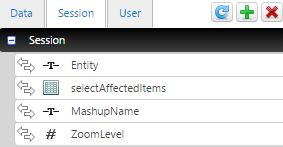
I would like to add INFOTABLE to store data in Session, like in image:
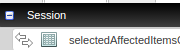
Selection_029.png

Thanks in advance!

Best answer by dmoon

I am not sure if you just want to add one more property as an infotable, but if it is, follow instructions below.

1. Go to Subsystems.
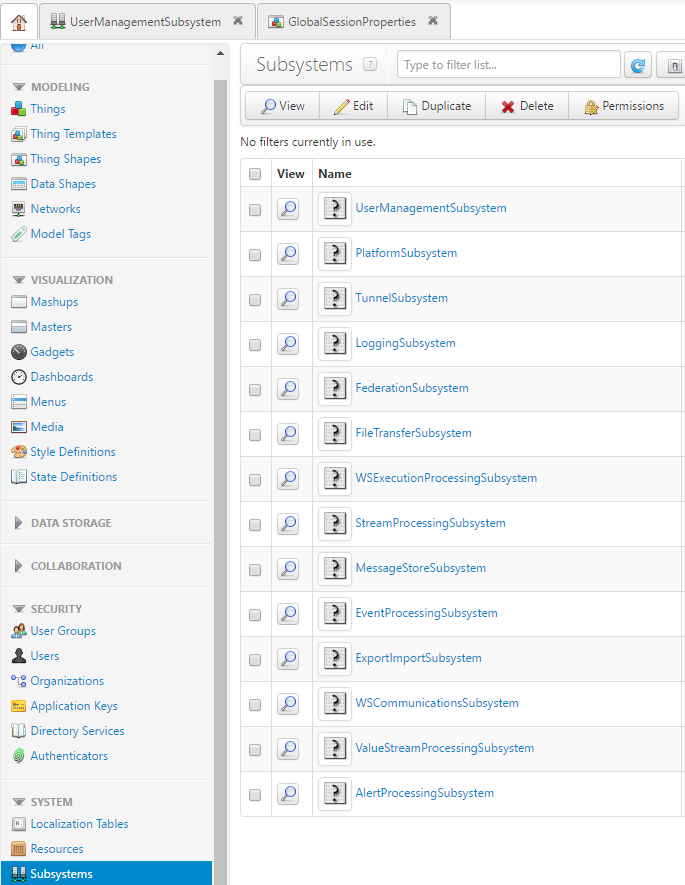
2. Open UserManagementSubsystem and go to Configuration.
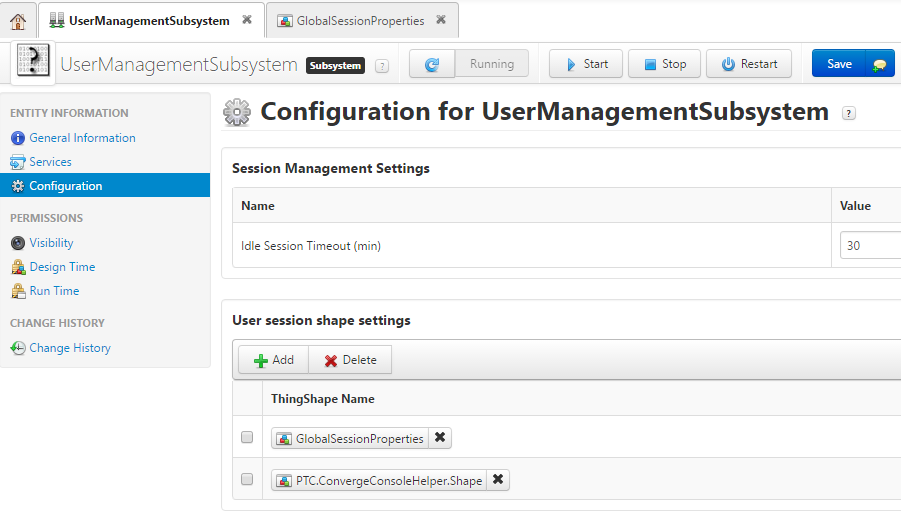
3. If you want to add more seesion shapes, just click "+ADD" button under "User session shape settings". Or you can just add more properties in pre-defined shapes. In this example, I just added a property in "GlobalSessionProperties".
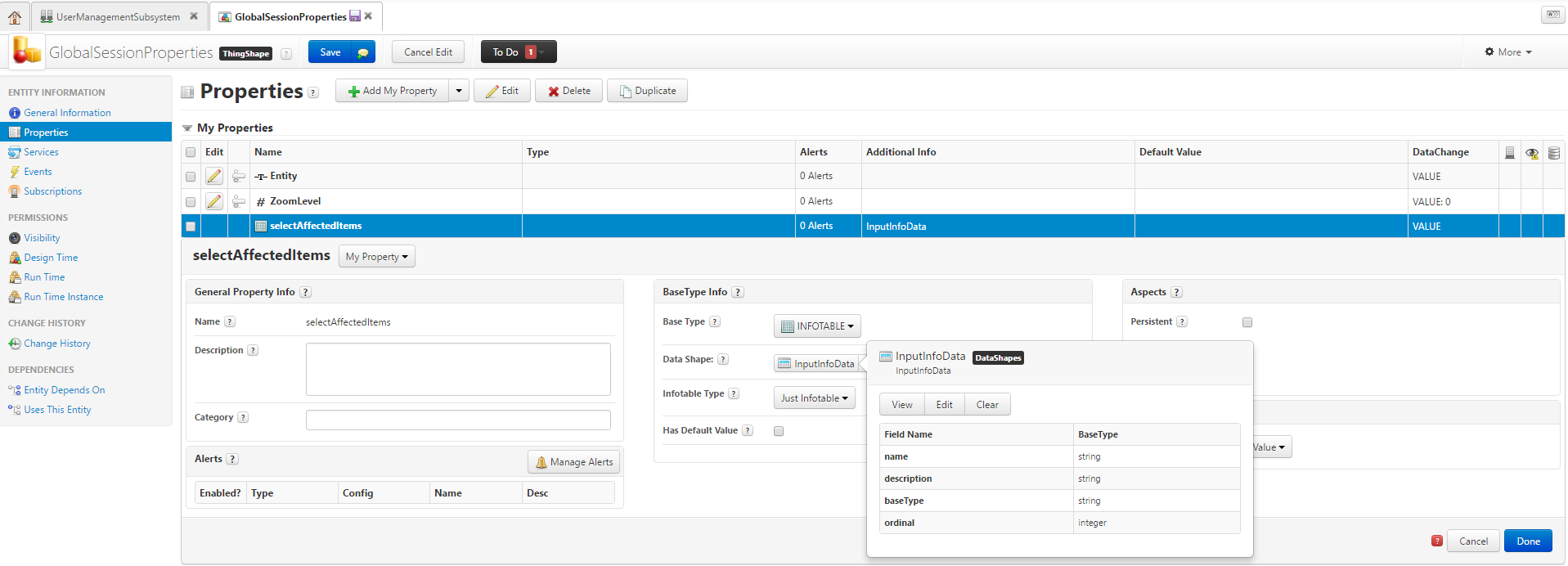
4. Check if you can see this property in your mashup's session properties.
If you cannot see this from your mashups, please restart UserManagementSubsystem after saving it.

3 replies

dmoon5-Regular MemberAnswer
5-Regular Member
April 28, 2016

I am not sure if you just want to add one more property as an infotable, but if it is, follow instructions below.

1. Go to Subsystems.

2. Open UserManagementSubsystem and go to Configuration.

3. If you want to add more seesion shapes, just click "+ADD" button under "User session shape settings". Or you can just add more properties in pre-defined shapes. In this example, I just added a property in "GlobalSessionProperties".

4. Check if you can see this property in your mashup's session properties.

If you cannot see this from your mashups, please restart UserManagementSubsystem after saving it.

1-Visitor
November 6, 2016

Nice explain it is really helpful

1-Visitor
July 8, 2016

Just for informations about adding an Infotable as a session parameter:

How to send a value from one Mashup to another when not using Contained Mashups in ThingWorx

Important Note: Infotables as properties should not be used as Session parameters, as they will persist throughout the session and cause performance degradation, especially when the Infotable has multiple rows/ columns
