

How to change visibility or image?
Hello there! I am student and now i'm working on small university VR project. I found ThingWorx very useful for my project, but now i have few questions, and there will be amazing if you can help me.
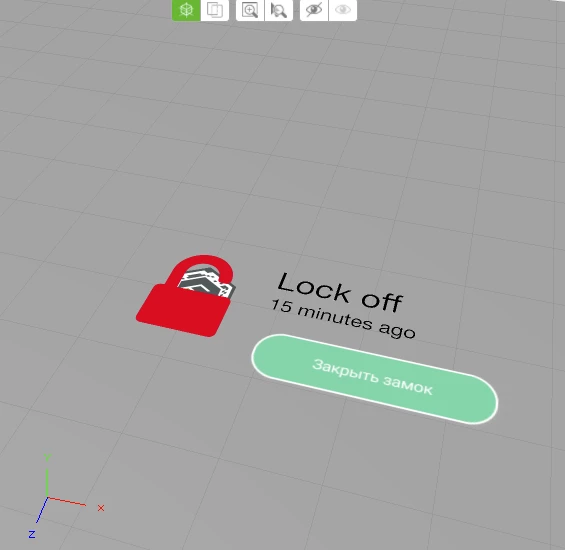
I know how to change text by pressing button — i added new Thing, then Service, and i did all connections in the right panel in TW Studio. Now when i press button — text will change to Lock On. But what i really need to do — is to change this red lock to another image. Seems like there is only one way — to add new image and then toggle invisibility. But i dont understand how to change "Visible" check, and what connections i need to do to make it work.
So, i really ask for your help! What should i do to change visibility of red lock image after button click? Thanks!