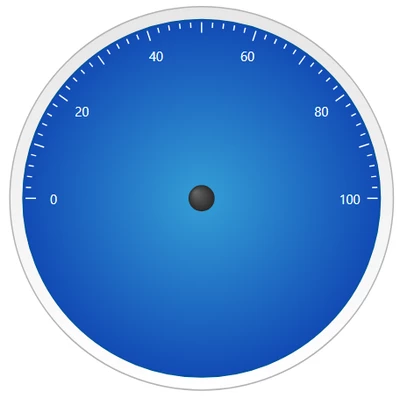
Hi @S_Elsayed
Follow the below Steps to achieve it.
1. Import the media entity that I have attached in this chat or save the below image and add to the Thingworx media entity.
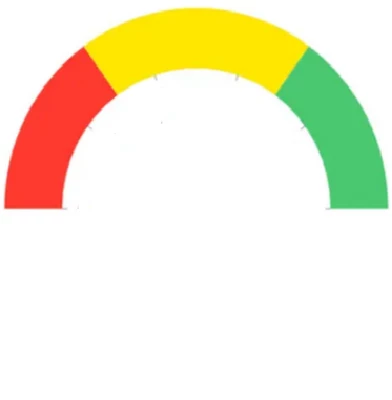
2. In Mashup > Custom CSS Paste the below CSS and In the last line modify the media entity name from gaugeface1 to your media entity name which has been created by following step 1.
.custom_GaugeCls:before {
content: '';
position: absolute;
width: calc(100% - 0px);
height: calc(100% - 0px);
background-size: contain;
background-repeat: no-repeat;
left: 50%;
top: 50%;
background-position: center;
transform: translate(-50%, -50%);
background-image: url(/Thingworx/MediaEntities/gaugeface1) !important; }
3. Call the CustomClass name to the Gauge widget as shown below
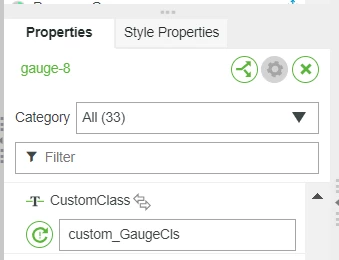
4. Update the other properties in the Gauge widget as mentioned below.
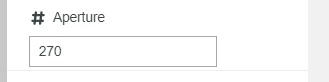
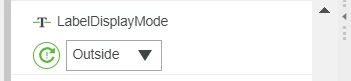
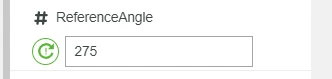
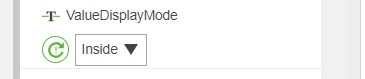
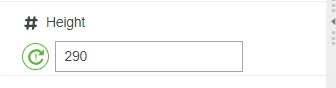
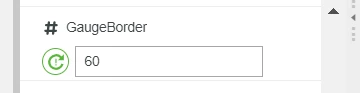
Adjust the GaugeBorder to fit the tick size according to the height.
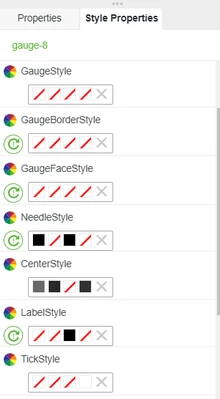
5. Change the Style properties as mentioned below.
Hope you find this helpful.