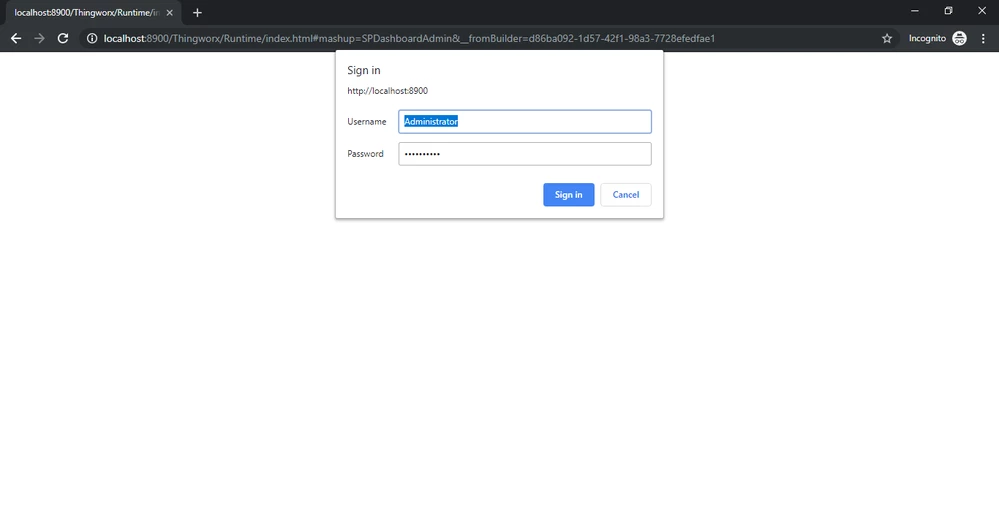
How to Disable the Composer login prompt in Thingworx
Hi,
I have created an application but whenever i use the url of the mashup in a web browser. i am prompted to login to thingworx composer. This makes it hard from business point of view as i dont want to share the composer credentials. Is there a way to disable the login prompt.
Tried Methods:
We have a customized login page in our application built on thingworx.
Using an organisation doesn’t grant me the option to edit or customize the login screen.
Queries
1.Is there a way to customize the organisation login page?
2.If not is there anything that I can do to remove composer login prompt from appearing when users access my application url.
3.In case I use the application key (not recommended method). I can only add one user and not a group and he will have all access over the composer. Which i don’t want.
Please provide your suggestions on the above.
Thanks,
Kishore