14-Alexandrite
June 8, 2021
Solved

How to expand image in a "valuedisplay " widget.

  • June 8, 2021
  • 1 reply
  • 1371 views

Hi Developers,

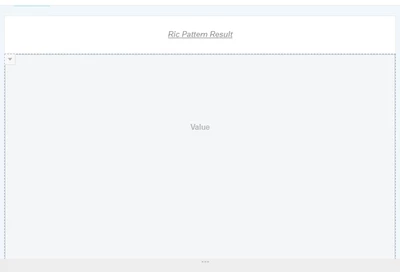
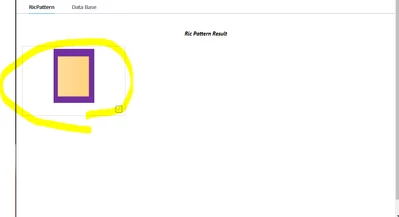
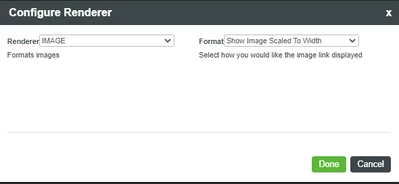
I added a "valuedisplay" widget to display image dynamically but image size is small even though I configured the setting to "show image scaled to width".

Could anyone tell me on how to expand an image in the widget ?
キャプチャ3.PNG


キャプチャ.PNG

キャプチャ2.PNG


Best answer by abjain

@Yoshihiko.N SourceURL attribute can be used for setting images dynamically in image widget. Please refer: https://www.ptc.com/en/support/article/CS208841


1 reply

15-Moonstone
June 8, 2021

@Yoshihiko.N You can try increasing the container size for the value display widget by giving the MaxHeight and MaxWidth properties. Alternatively you can use image widget to display images on mashups.

14-Alexandrite
June 8, 2021

Thank you for your super quick response !


>by giving the MaxHeight and MaxWidth properties

-> I can do what I want to do. ( ^o^ )


>Alternatively you can use image widget to display images on mashups

-> I tried this but not sure how I can set image dynamically.

we need to set media (image link ) to the image widget but I don't know how I can get image link from media entities.

abjain15-MoonstoneAnswer
15-Moonstone
June 8, 2021

@Yoshihiko.N SourceURL attribute can be used for setting images dynamically in image widget. Please refer: https://www.ptc.com/en/support/article/CS208841