1-Visitor
November 3, 2021
Solved

How to shrink the top dynamic bar

Good day!
Please tell me how to reduce the top dynamic panel?

It is necessary that the split is just below the drop-down list so that after selecting a line, you can hide the filter
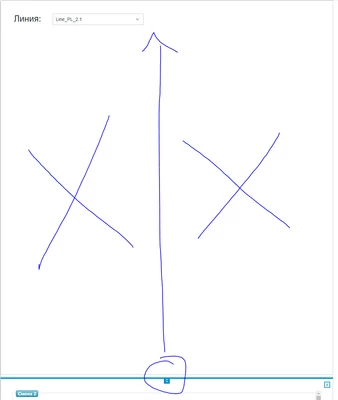

AA_8876919_0-1635939888204.png


1-Visitor
November 8, 2021

I figured it out, it was necessary to set the "MinSizeWhenExpanded" parameter to 95%

3 replies

22-Sapphire I
November 3, 2021

If it is just a fixed height you need, you can set it to static.

Else you need to adjust the grow shrink ratios

Translate
1-Visitor
November 8, 2021

I need a static height for the top dynamic bar. For this panel, if you select "static" in the "Layout" menu, you cannot set the desired height. In the parameters of the panel, I also did not find the parameter responsible for the height. Can you tell me where exactly this can be corrected?

Translate
Alexey_Arkhipov1-VisitorAuthorAnswer
1-Visitor
November 8, 2021

I figured it out, it was necessary to set the "MinSizeWhenExpanded" parameter to 95%

Translate