1-Visitor
March 6, 2019
Solved

Initialize a dropdown list widget with selection

  • March 6, 2019
  • 4 replies
  • 2207 views

I'm trying to initialize a dropdown type list with a selection already shown.

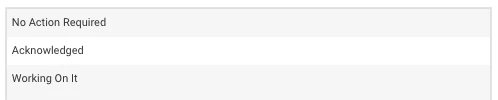
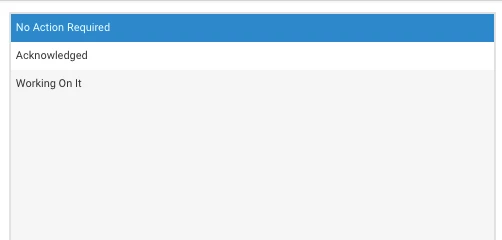
I have a service that returns a list in the following format: returned list with selectionreturned list with selection
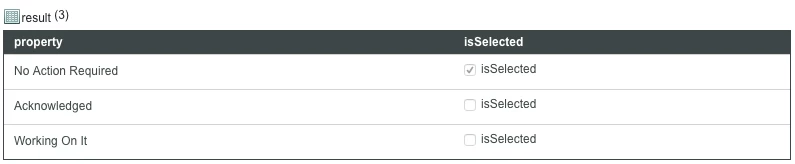
When I use it on a mashup with a list item, the "selected" item is not displayed upon list loading.Screen Shot 2019-03-05 at 18.24.10.png
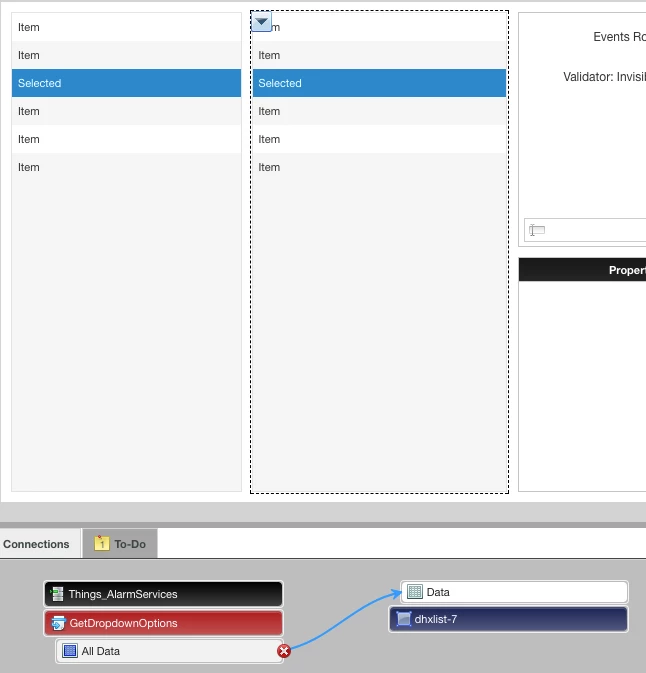
loaded list, no selectionloaded list, no selection

How can I make it so the list initializes with the selected rows returned by my service?
Best answer by jorgeporras

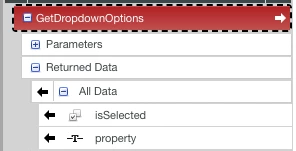
I managed to make my list select a row using my "isSelected" property through the use of a validator and an expression.returned infotablereturned infotable


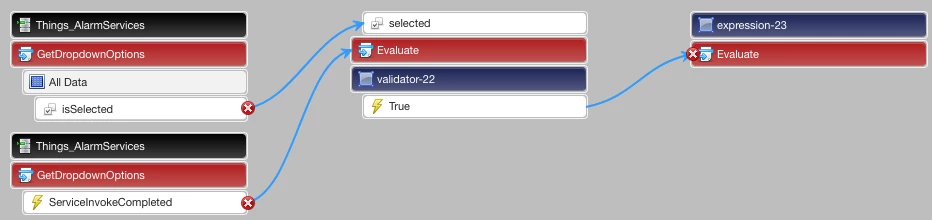
validator checks it isSelected is truevalidator checks it isSelected is true


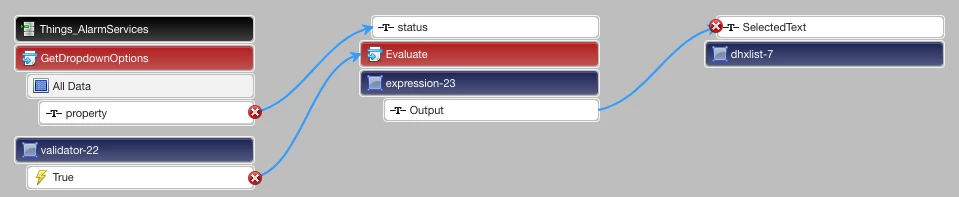
if isSelected is true, expression takes selected propertyif isSelected is true, expression takes selected property


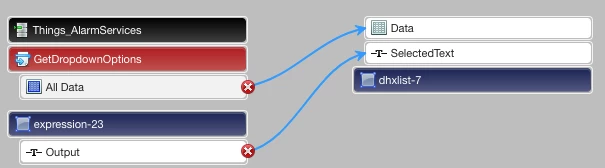
selected property is set as selectedText in listselected property is set as selectedText in list


list with specific selection on loadlist with specific selection on load

However, this only works for the first row of data returned by my service, is there a way to iterate over the returned data in the mashup so that my validator checks all rows of returned data?

4 replies

5-Regular Member
March 6, 2019

Hi, the "isSelected" is just a Boolean property in your Infotable result, it can be renamed to any words so it won't affect how List or this Infotable behaves.


The List has "AutoSelectFirstRow" setting, and also agrees to the SelectedRow(s) selection in the Infotable result from the source service. If the row you want is selected in the service, it will also shown as been selected in the List widget. 

jorgeporras1-VisitorAuthorAnswer
1-Visitor
March 6, 2019

I managed to make my list select a row using my "isSelected" property through the use of a validator and an expression.returned infotablereturned infotable


validator checks it isSelected is truevalidator checks it isSelected is true


if isSelected is true, expression takes selected propertyif isSelected is true, expression takes selected property


selected property is set as selectedText in listselected property is set as selectedText in list


list with specific selection on loadlist with specific selection on load

However, this only works for the first row of data returned by my service, is there a way to iterate over the returned data in the mashup so that my validator checks all rows of returned data?

5-Regular Member
March 6, 2019

If my understanding is correct ,you want to show both the property ("property" and "isSelected" ) in list widget ? If yes ,then you should use grid widget to show your all data as list display any one property which is selected in "DisplayField" and "ValueField" property attribute of List .


Let me know if this understanding is not correct . 


Thanks ,

Mukul Narang 

1-Visitor
March 6, 2019

I actually want the list to use the "isSelected" property as a way to show selected rows on mashup load