1-Visitor
March 23, 2021
Solved

Installation problem of ThingworxAnalytics 8.5.12 with SSL file

  • March 23, 2021
  • 2 replies
  • 1112 views

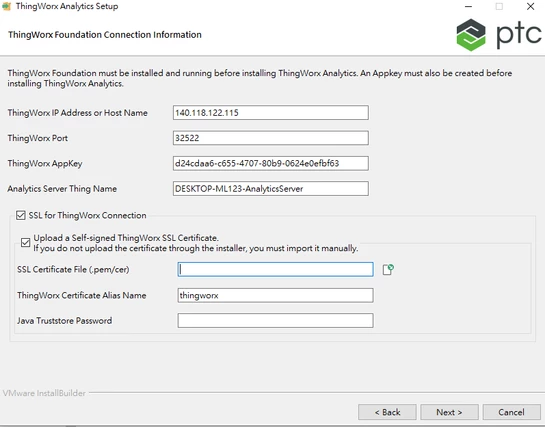
I met a problem when I installed ThingworxAnalytics 8.5.12 on windows. I filled in the required information smoothly until it required the SSL thingworx connection like below picture.
 

problem1.png


1. Where can I find the SSL Certificate File from thingworx's path?

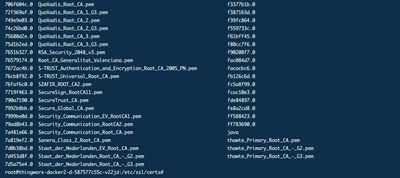
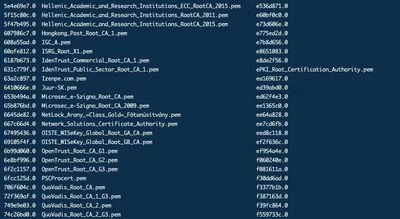
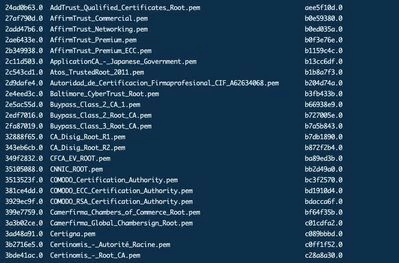
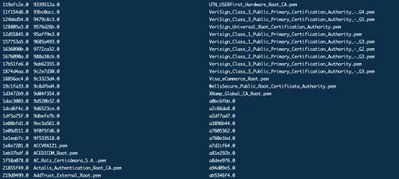
At the present, I try to find the .pem file in the path(/etc/ssl/certs) but there are too many .pem file (below pictures are all .pem files in /etc/ssl/certs) that I confused which one is the correct .pem file I should upload.
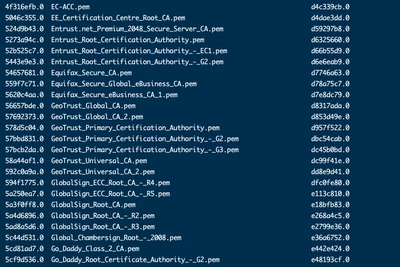
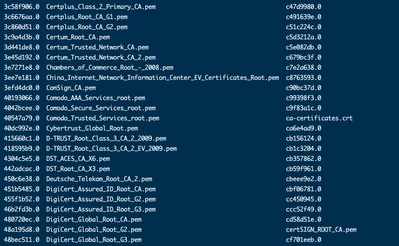
Screen Shot 2021-03-22 at 9.27.56 AM.pngScreen Shot 2021-03-22 at 9.27.50 AM.pngmessageImage_1616376495424.jpgmessageImage_1616376486355.jpgmessageImage_1616376456451.jpgmessageImage_1616376437734.jpg1616376403855.jpg


2. What is the name of SSL certificate file I should upload or should I find it on other path in thingworx?


Best answer by nsampat

@RC_8716579 ,


Thank you for posting your question to the PTC Community.


Regarding how to obtain the SSL cer/pem certificate, have you had the opportunity to review this Knowledge Base article?


Retrieving ThingWorx certificate for installing ThingWorx Analytics Server 8.5


Please let me know if this resolves your issue.


Edit: 


It should be noted, you only need to opt for SSL connection and Cert import if ThingWorx Platform Server is running on SSL.


If SSL is not in scope for ThingWorx Platform Server, you can skip this step by deselecting "SSL For ThingWorx Connection".


Regards,


Neel

2 replies

nsampat17-PeridotAnswer
17-Peridot
March 23, 2021

@RC_8716579 ,


Thank you for posting your question to the PTC Community.


Regarding how to obtain the SSL cer/pem certificate, have you had the opportunity to review this Knowledge Base article?


Retrieving ThingWorx certificate for installing ThingWorx Analytics Server 8.5


Please let me know if this resolves your issue.


Edit: 


It should be noted, you only need to opt for SSL connection and Cert import if ThingWorx Platform Server is running on SSL.


If SSL is not in scope for ThingWorx Platform Server, you can skip this step by deselecting "SSL For ThingWorx Connection".


Regards,


Neel

Community Manager
April 1, 2021

Hi @RC_8716579.


If the previous response answered your question, please mark it as the Accepted Solution for the benefit of others with the same question.


Regards.


--Sharon