

Solved
Is it possible to "cut" part of a widget in mashups?
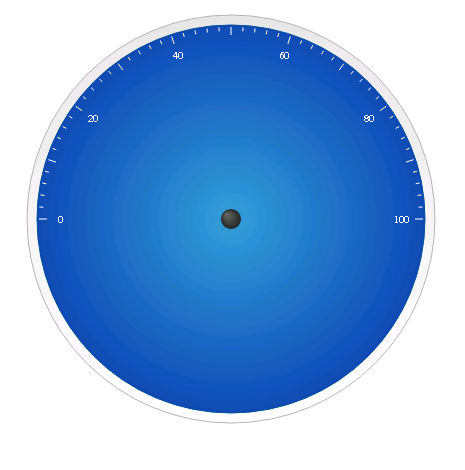
As you can see in the image, I'm using only 180 degrees of the gauge widget. I would like to ask, is it possible to cut out the unused half?
I'd like to have a widget like this:
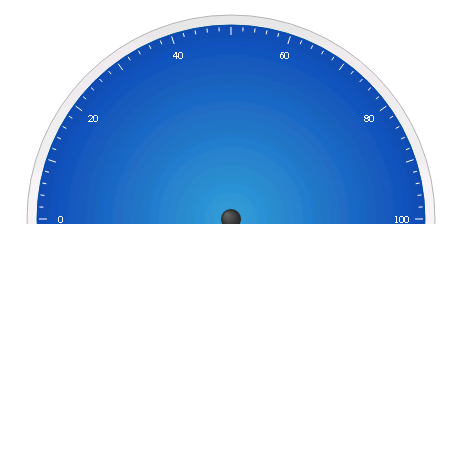

As you can see in the image, I'm using only 180 degrees of the gauge widget. I would like to ask, is it possible to cut out the unused half?
I'd like to have a widget like this:
To do it, I've set the background color for the widget with the same background color as background. Maybe also you can put a Rectangular Shape widget over the bottom
No account yet? Create an account
Enter your E-mail address. We'll send you an e-mail with instructions to reset your password.