


Question
Is it possible to open a second mashup in a contained mashup when a Navigation button is clicked?
I am trying to open a second mashup into a contained mashup using Navigation widget, when I click the Navigation button it opens a new window or replaces the existing window and does not open the mashup in the contained mashup. 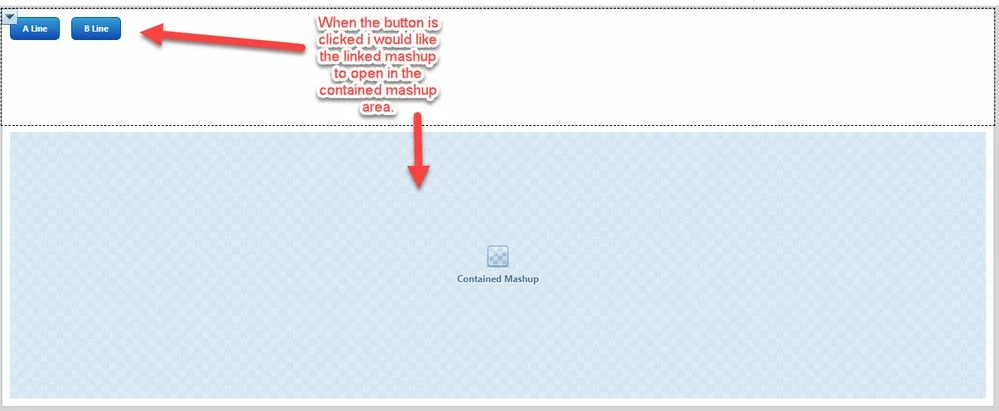 Is there a way to get the second mashup to open in the contained mashup and not replace existing window or open in a new window?
I would like the users to be able to select which option they would like to see and have the ability to stay on the same page and open a different selection without having to navigate back to the original mashup from a new window or one that has replaced the current window.