
5-Regular Member
July 11, 2017
Question

Is that possible to change 3d Model Viewer Default Camera Position?

  • July 11, 2017
  • 2 replies
  • 4133 views

Hi Guys,

I'm using a thingworx extension called 3d Model Viewer, downloaded from marketplace.

I get the model imported and show on the mashup, but the default view position is looking at the bottom of my 3D model and it is very close to the model too, so i can hardly see anything..it will take my like 7 -10 scrolls to see the whole model.
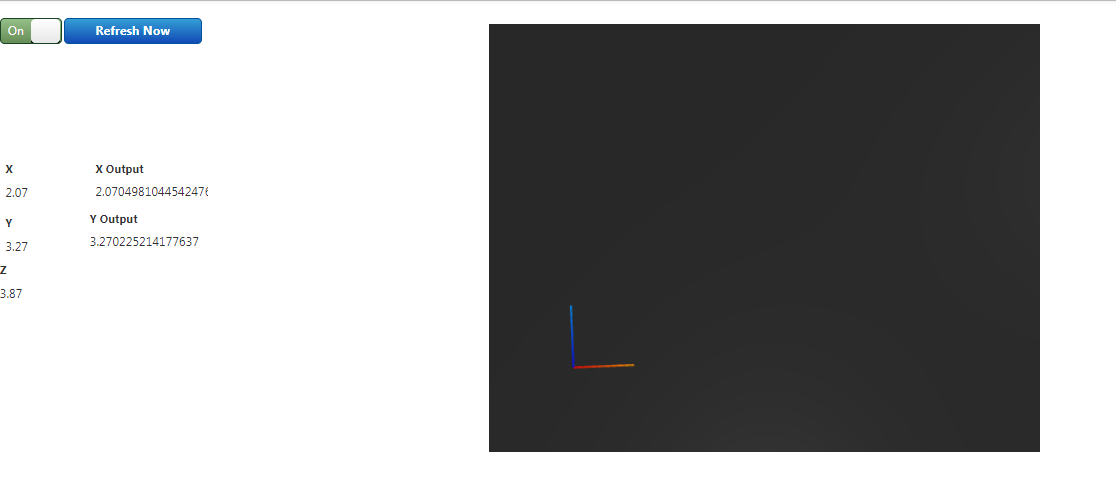
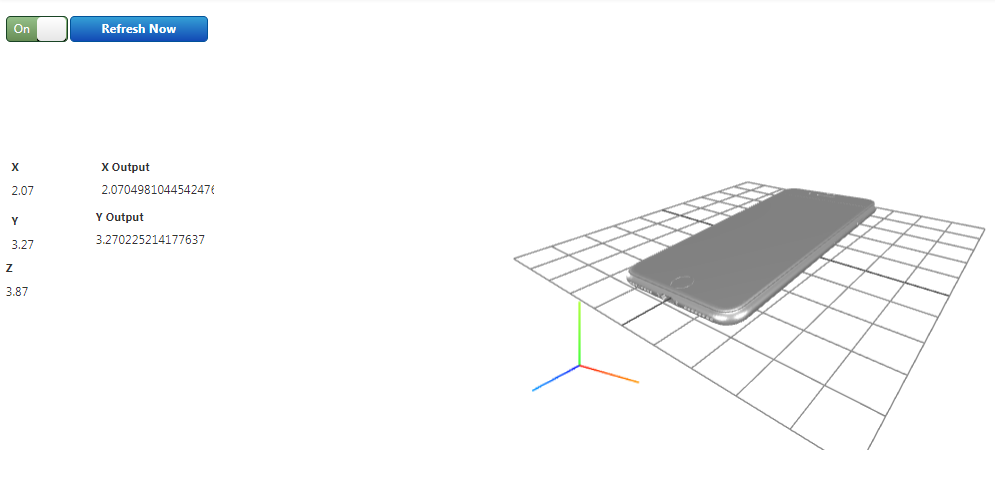
Capture.PNGCapture2.PNG

Is that possible to change the default view position, so it will look nicer like the picture on the right when the mashup just loaded?

Thanks!

2 replies

5-Regular Member
July 12, 2017

Hello, Liwei Chen.

I looked at the User Guide for that extension and it doesn't show any specific configurable property for this. You might be able to adjust the RotationX, RotationY, and RotationZ properties to specify a different orientation for the model as it loads. Is this something that you have tried?

-- Craig A.

liwei5-Regular MemberAuthor
5-Regular Member
July 13, 2017

Hi Craig,

Thanks for reply!

I did try change the rotation, but because the view is too close to the model, it doesn't help much, I would still need to zoom out to see the whole view.

Best

Liwei

5-Regular Member
August 2, 2017

Hey Chen,

You could try to create a scene in https://threejs.org/editor/. In there, you import your model, add a Perspective Camera and save the result using the "Export Scene" option.

Then, you make the 3D Model Viewer in TWX load the exported scene. It will reuse the position of the Perspective camera that you created in the Three.js editor,

liwei5-Regular MemberAuthor
5-Regular Member
August 7, 2017

Thank you! I will give it a try!

Liwei

1-Visitor
July 31, 2018

Please, which extension should the file be loaded in the widget ?