

1-Visitor
March 27, 2018
Solved

JDBCConnectionException: Could not open connection error whice accessing Analytics Builder 8.0.0

  • March 27, 2018
  • 3 replies
  • 3548 views

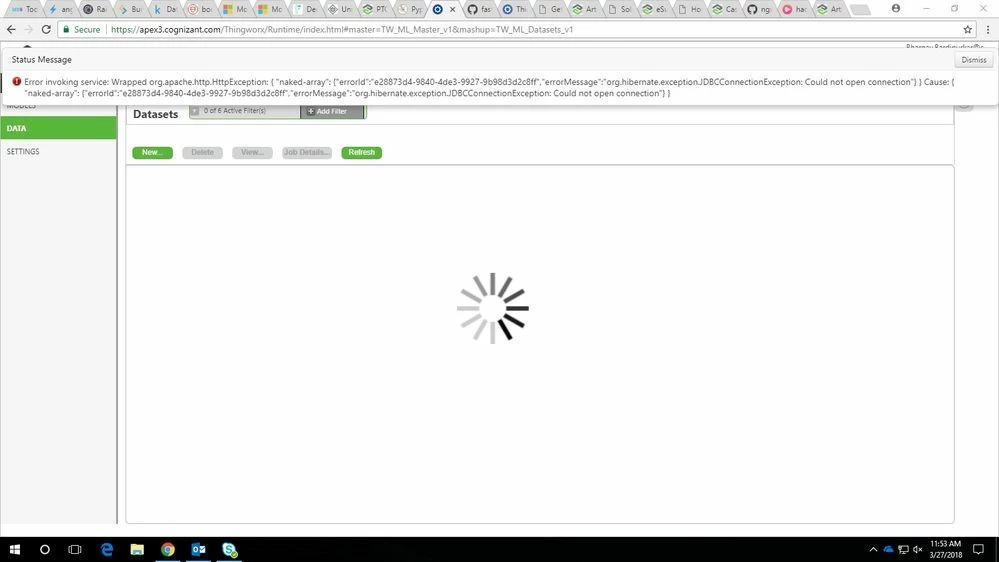
Iam getting the following error:
Error invoking service: Wrapped org.apache.http.HttpException: { "naked-array": {"errorId":"4f317b51-1a21-4f77-95f0-c96e0b2fa185","errorMessage":"org.hibernate.exception.JDBCConnectionException: Could not open connection"} }

when i try to access DATA tab in Analytics Builder
 

abc.jpg

Best answer by bhargav

Hi,

I was able to solve the issue.

The issue was due to conflict between two postgressql versions installed in centos.


3 replies

5-Regular Member
March 29, 2018

Hello.


This could have a number of different causes; could you open a case with Technical Support, please?


Thank you,


-- Craig A.

17-Peridot
March 29, 2018

Hello @bhargav,


Have you reviewed the Knowledge Article below?


https://www.ptc.com/en/support/article?n=CS265097


If this does not resolve your problem, as my colleague @CRArko indicated, a case may be required as this behavior can be caused by several different issues that would require more in-depth review.

bhargav1-VisitorAuthor
1-Visitor
April 4, 2018

Sorry for late reply,

I will open a case with Technical Support.


Thank you for the article and support.

bhargav1-VisitorAuthorAnswer
1-Visitor
April 12, 2018

Hi,

I was able to solve the issue.

The issue was due to conflict between two postgressql versions installed in centos.