List Custom addition
Hi,
I've modified the list to have a service that,when triggered, will reset the selected row to null (for the dropdown).
This is mostly what I have in the Runtime JS.
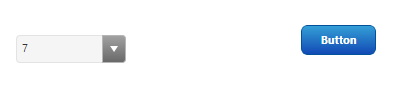
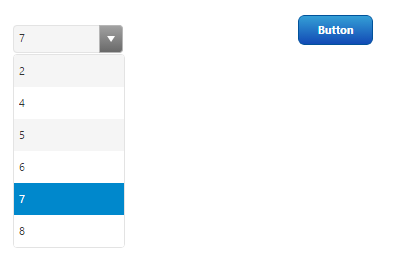
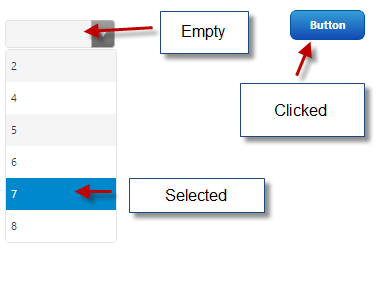
Now the problem is, it does remove the selected value on the dropdown actual value, But when I open the dropdown the value is still selected.
How would I remove the selectedItem from data ?
this.serviceInvoked = function ( serviceName )
{
var thisWidget = this;
switch ( serviceName )
{
case 'ClearSelectedItem':
this.resetData();
break;
default:
TW.log.error( 'Folding Panel widget, unexpected serviceName invoked "' + serviceName + '"' );
}
};
this.resetData = function ()
{
var thisWidget = this;
thisWidget.updateSelection( 'Data', [] );
thisWidget.clearCurrentValueHtml();
thisWidget.setProperty( 'SelectedText', undefined );
thisWidget.updateSelection( 'Data', [] );
};