19-Tanzanite
December 9, 2020
Question

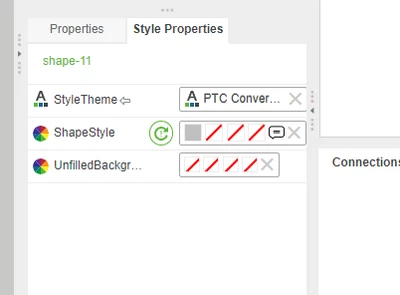
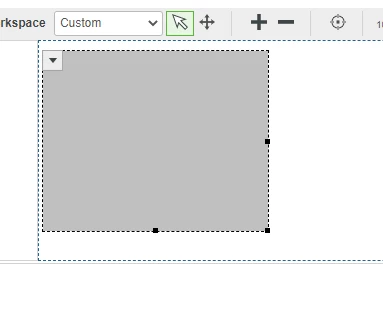
Not able to set background image on Shape widget

  • December 9, 2020
  • 6 replies
  • 2079 views

Hi,


I'm not able to set background image on Shape widget.


Velkumar_0-1607497497227.png

Velkumar_1-1607497523730.png


Could any one help me on this


Thanks in advance


/VR

6 replies

5-Regular Member
December 9, 2020

Hi @Velkumar , In think in older version image background was not supported with shapes . Need to check with new version

Velkumar19-TanzaniteAuthor
19-Tanzanite
December 9, 2020
Hi,

I tried with 8.5.4 & 9.0, it is not working. But I have used same feature
in 8.3 & 8.5.1

May be some bug in new version.

/VR

5-Regular Member
December 9, 2020

are you referring to changing the background style on shape widget? Some thing like this ?

mnarang_0-1607519469230.png


12-Amethyst
December 10, 2020

Hi @Velkumar,


The shape widget is basically an SVG in HTML. The problem with SVG is that you need to apply filters with CSS to get those images in.

example: https://stackoverflow.com/questions/3796025/fill-svg-path-element-with-a-background-image


What is your final goal of setting a background a widget? Because the Panel widget can do what you are trying there, or the Button can have an icon(background image in style definition) so you can have that click event.


BR,

Gabriel


16-Pearl
December 18, 2020

Hello VelKumar,


If the previous response answered your question, please mark it as the Accepted Solution for the benefit of others with the same question.  If you still have issues, please let us know.


Thanks

Om Dukiya