
1-Visitor
January 31, 2019
Solved

post

  • January 31, 2019
  • 1 reply
  • 2289 views

Hello Everyone


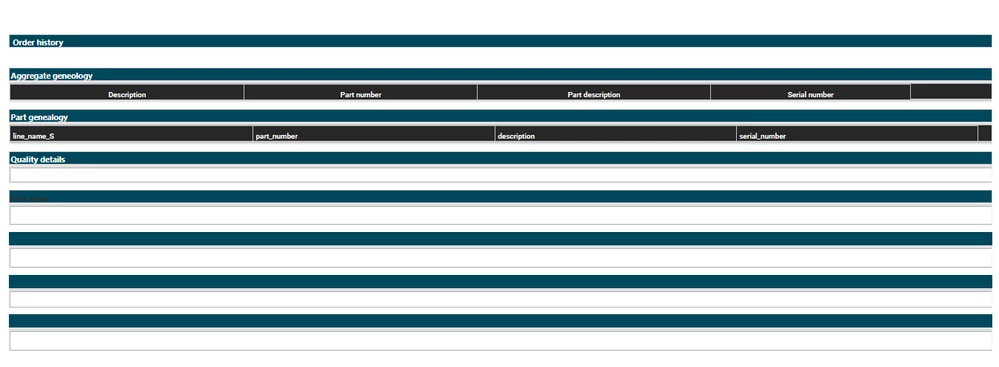
I have an requirement where i need to display multiple grid( total grid 9) on same mashup with vertical  layout. while I did this, I got grid in very small / compressed in size ,so data inside that is not displayed properly. 

Is there any way to increased mashup size or add scroll bar to layout / mashup ?

Or any other possible solution for this ?
 

 errorTw.PNG

Thanks,

Sheetal Sable

Best answer by eengelbrecht

 Does your girds not have anything in common? for example are they not generated from the same Things' Information? If they are, I would say a collection widget would still be the best option. 

Another option would be to use a static mashup and define the size accordingly.

1 reply

1-Visitor
January 31, 2019

Do all the grids need to be visible at the same time?

1-Visitor
January 31, 2019

yes. All the grids must be visible at the same time.

1-Visitor
January 31, 2019

The best way to fit all 9 grids in neatly would be to use the collection widget.


Hope that helps