
1-Visitor
May 21, 2019
Solved

Problems with testing database connection

  • May 21, 2019
  • 1 reply
  • 2438 views

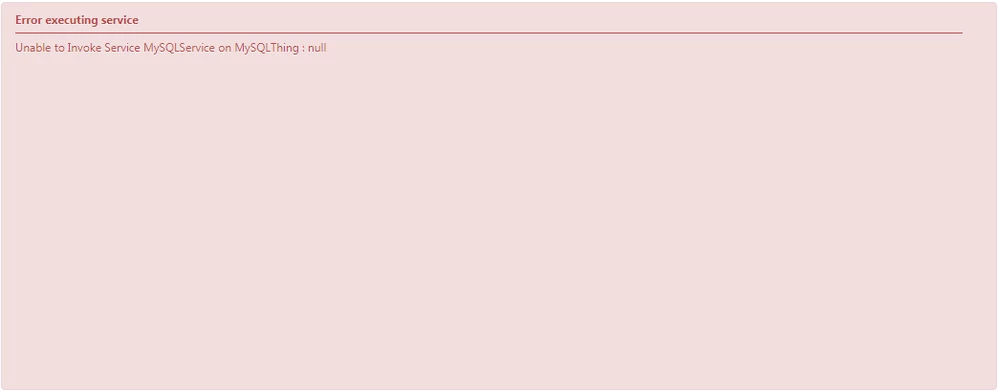
Hello! Perhaps there was already such a question, but still. A service of SQL-query type produces the following error when I try to test it:
 

Error.png


There is a connection to the database itself, there is a data in it too. As I understand, the problem is that my service is perceived as empty. But I don't understand what could be wrong.

Best answer by posipova

The problem with this extension is that it's pretty old and contains very old drivers (as noted in the marketplace, it's no longer supported).: https://marketplace.ptc.com/apps/195356/jdbc-connector-extension#!overview


What I suggest trying is what I described in my response in this thread https://community.ptc.com/t5/ThingWorx-Developers/Using-a-third-party-Jar-file-for-Database-connection/m-p/514861?collapse_discussion=true&page=2&q=jdbc%20extension&search_type=thread


1 reply

20-Turquoise
May 21, 2019

How did you check your database connection? What is your configuration on the jdbc thing?

1-Visitor
May 22, 2019

I took the configuration from MySQL Extension and changed the name of the database and address:


4.png


In properties I set the isConnected property to true:


5.png


The service itself looks like this:


6.png


"ex" is the name of the table in the database "example"

20-Turquoise
May 24, 2019

Please refer to this page to change the connection string and the validation string accordingly:


http://support.ptc.com/help/thingworx_hc/thingworx_8_hc/en/#page/ThingWorx%2FHelp%2FExtensibility%2FJDBCExtension%2FJDBCConfigurationExamples.html%23


When you database is properly connected -- you should not be changing isConnected to true, it will set automatically -- in your service, click on tables/columns and you should be able to see your data. If it's not properly connected you won't see anything.