Solved
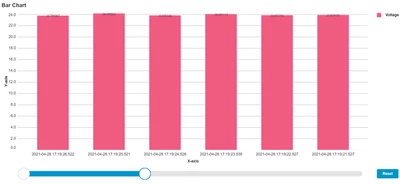
There is no property in the chart to rotate it, there is a reason behind it. As you have timestamp on x axis which is basically yyyy-mm-dd hh:mm:ss. As your points on x axis will increase and if you have many data points then it will be difficult to read it as this timestamp will collide with each other. Having said that, you can click on any timestamp point and it will show you the value even you can navigate to other points through keyboard only. Still if you want to see the timestamp horizontally then better you add a horizonatalsliderzoom from the chart property, using this if you move the slider to the left and as soon as your data points can adjust properly it will come horizontally just like below: