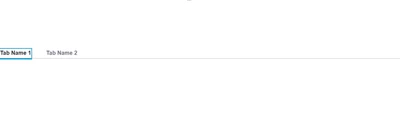
The CSS approach mentioned below is what we used to do in the past many times, but as powerful as it is, it will lead to increased upgrade times, especially if you rely on it excessively.
The way to proceed in this situation is to use Style Themes (they work with Tabs, but not in an obvious way).
1. Create a custom Style Theme (eg: duplicate the PTC Convergence Theme)
2. In the Custom theme, modify the Global > Text > Large Title. This is the one applied to the Tabs (the tab headers)
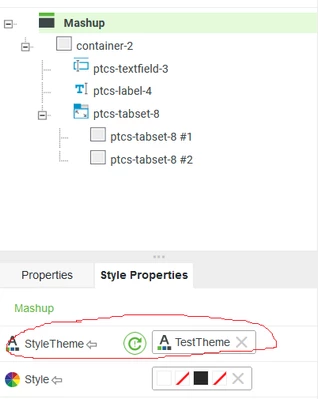
3. Now go to all your mashups and set the new Theme as the Style Theme for that Mashup, like this:
You'll now have a future-proof way of changing the style across all your mashups from a single place. Hint: you also have a CustomCSS section in the Style Theme, so in case you really need to use CSS now, you no longer need to spread your CSS across multiple mashups, or resort to store it in a Master Mashup etc.
The biggest advantage of this approach is the fact that it will no longer impact the upgrades from an UI perspective, Style Theme styles being guaranteed to apply to widgets across versions (as opposite to CSS, since the internal structure can change)